
Gym Website: 7 Things That Turn Visitors Into Members
What a gym website needs to win new members: real photos, a weekly class timetable, clear membership prices, coaches and a free trial form.
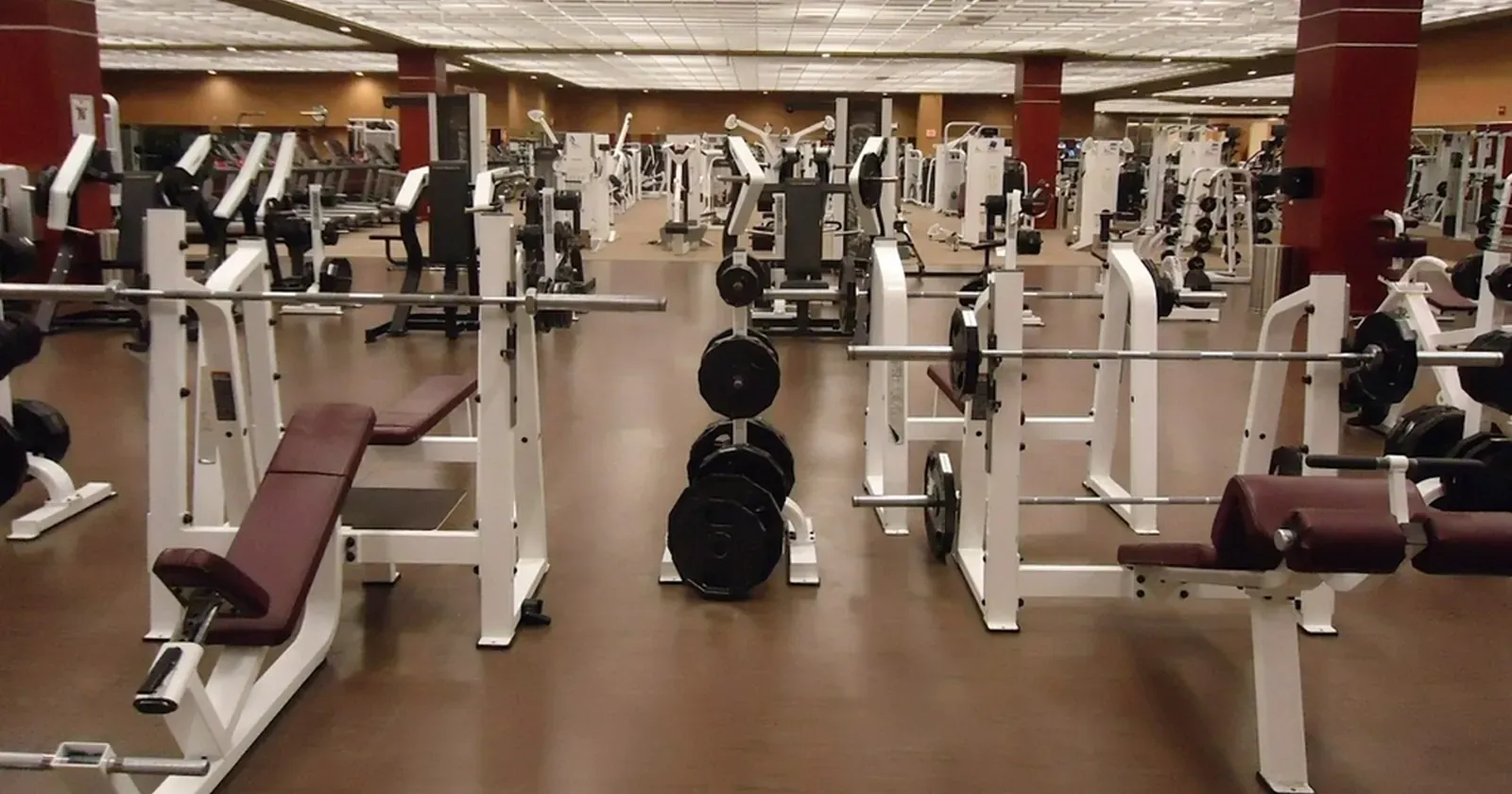
People who want to start training usually look for a gym on their phone and compare fast: what the place looks like, whether there’s an evening yoga class, how much it costs, whether they can try it first. A gym website that answers those questions clearly helps people decide to come in, instead of sending a message and never following up. This guide lists 7 sections a gym, yoga studio or small fitness studio website should have, and how to present them.
Quick summary, a gym website needs 7 sections:
- Real photos of the gym and amenities
- Programs and a weekly class timetable
- Clear membership prices
- Coaches
- Free trial sign-up
- Hours, address and parking
- Member reviews and Google Maps
1. Real photos of the gym and amenities
Newcomers worry that the gym will be crowded, cramped or short on equipment. Real photos answer that faster than any description.
- Wide shots of the weights area, cardio zone and studio, taken when it’s quiet and well lit.
- Floor area and key equipment, for example “800 m², 30 treadmills”.
- Amenities: lockers, hot showers, towels, water, Wi-Fi, parking.
- No recognizable member faces, unless the people in the photo have agreed.
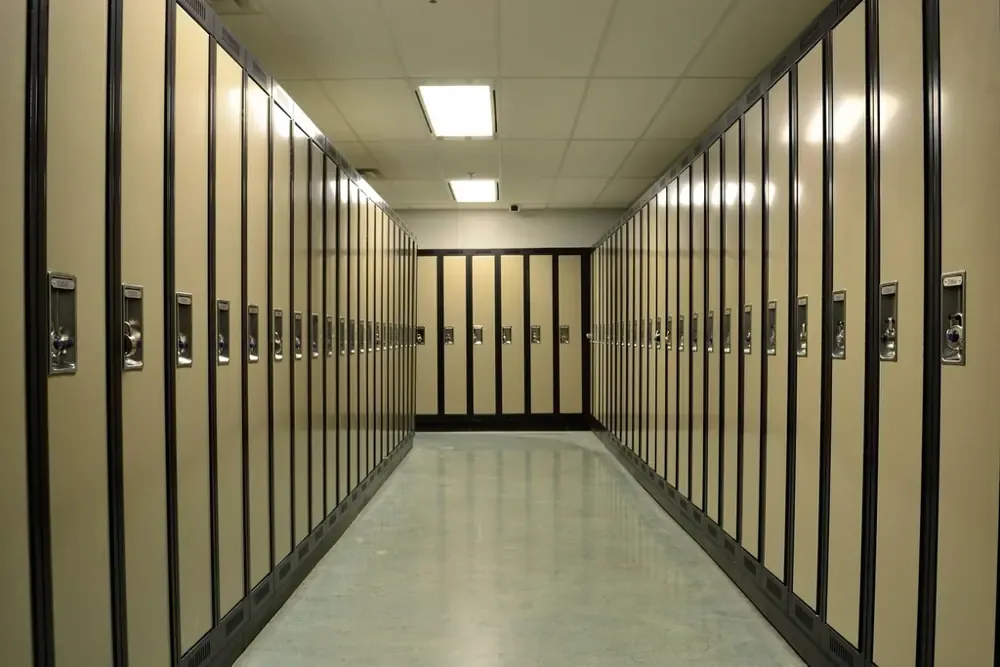 Lockers and showers are among the first things people ask about, so mention them with a real photo. Photo: rawpixel (CC0).
2. Programs and a weekly class timetable
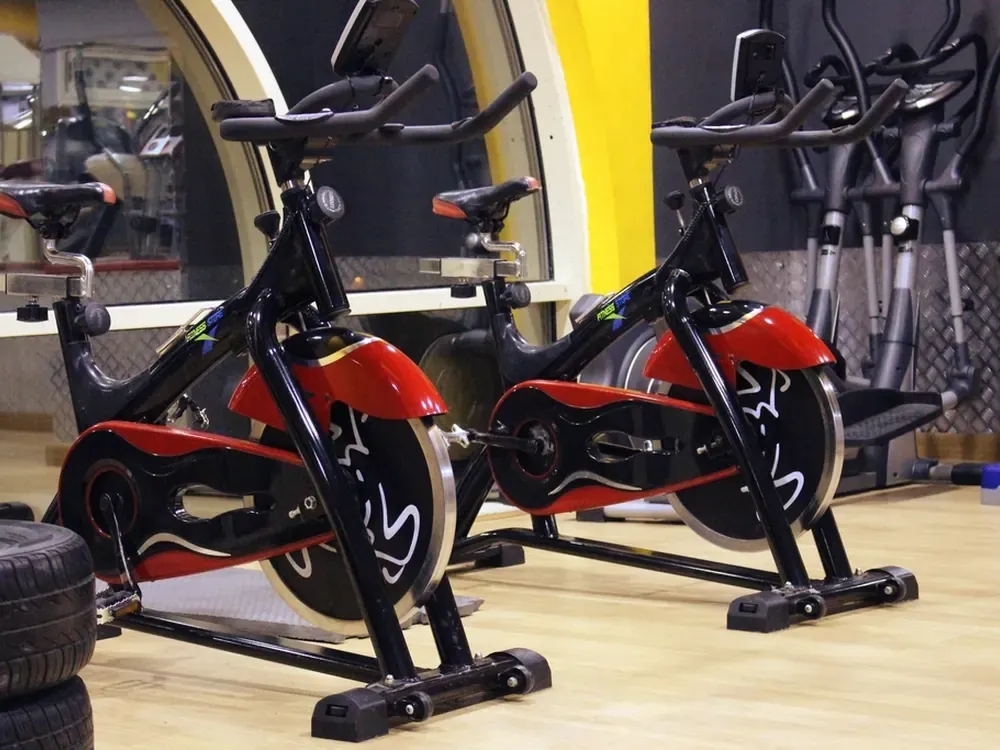 A timetable with clear times and programs shows people which classes fit their week. Photo: rawpixel (CC0).
Group classes are often why someone picks your gym over another. Show what they can do and when:
- List of programs: gym, yoga, boxing, cycling, HIIT, mobility; a few lines on each, with duration and level.
- Timetable by day of the week, with start times and coach names.
- Open on today by default and let people filter by program, so it’s quick to read on a phone.
- A “Reserve” button next to each class that fills the class and time into your sign-up form.
3. Clear membership prices
Price is the second question after photos. Being clear lets people compare on their own and cuts down “how much?” messages:
- Memberships for 1, 3, 6 and 12 months, each with its price.
- Personal training: price by number of sessions.
- Drop-in passes for people who want a few visits first.
- What’s included: locker, towel, group classes, body composition check.
 Make clear which plans include the free weights area and which include group classes, so people choose right the first time. Photo: rawpixel (CC0).
If you run an offer, show its end date. Don’t leave old prices online; members who see a different price at the desk lose trust.
4. Coaches
New members want to know who will guide them, especially if they’ve never trained before:
- Name, specialty and years of experience for each coach.
- Certifications if they have them, such as personal training or yoga teacher qualifications.
- Which classes they lead, matching the timetable in section 2.
- If a coach would rather not show a photo, initials in place of a photo still look clean and clear.
5. Free trial sign-up
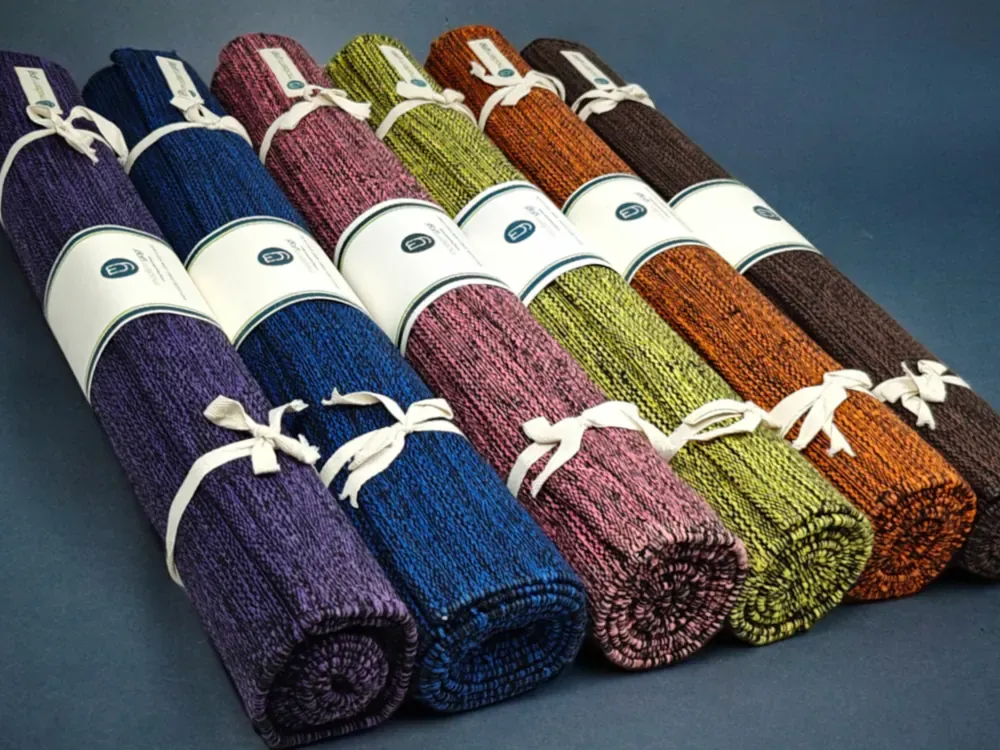 Say that mats, towels and lockers are provided, so newcomers know they only need shoes and workout clothes. Photo: Sha89sha (CC0).
A trial session is the easiest step for someone who is still unsure. Keep the form short and easy to find:
- Name, phone, the program or plan they’re interested in, and when they’d like to come.
- A goal field (lose weight, build strength, ease back pain…) so the coach can prepare.
- Send it to your chat app or Google Sheets, and call to confirm the same day.
- Call and chat buttons always visible at the bottom of the phone screen.
6. Hours, address and parking
People need to know when they can come, especially early-morning and late-evening trainers:
- Opening hours for each day, including weekends and holidays.
- An “Open now / Closed” status that updates by itself.
- Address and an embedded Google Map, with a directions button.
- Parking and an easy landmark nearby.
The Kingpes gym and yoga website template comes with programs, a weekly timetable that opens on today with a “Reserve” button, membership plans, coaches, amenities, a free trial form, open status and a map.
7. Member reviews and Google Maps
Newcomers trust other members more than advertising:
- A few real reviews with first names and the program they do.
- A button to read more reviews on Google, so people can check for themselves.
- Your Google Business Profile linking to your website, with hours and phone matching the site. If you don’t have one yet, see how to add your business to Google.
- Ask members for a review after their first month, with a QR code at the front desk.
A gym website doesn’t need to be fancy. Real photos, a clear timetable, honest prices and an easy trial form are enough for people to choose you. No website yet? See how to create a free website step by step, or pick a free template and swap in your photos, prices and timetable in about 5 minutes.
Templates in this article

Frequently asked questions
Does a small gym really need a website?
Yes. People starting out search "gym near me" on Google, then check prices, class times and photos before they visit. A website that answers those questions brings in new members without you replying to every message.
Should I publish membership prices online?
Yes. List 1, 3, 6 and 12-month plans and personal training rates. If you run a seasonal offer, show the end date. Many people only shortlist gyms that are upfront about price.
My timetable changes often. How do I keep it current?
Choose a website you can edit from your phone without a developer. When a class moves or a new one starts, change a few lines and publish.
Do I need online class booking?
Not a complex system. A "Reserve" button that sends the class, day, time and phone number to your chat app or Google Sheets is enough for a small gym; staff confirm with the member.
Related articles

Wedding dress rental website: collection and fittings
A wedding dress rental website lets brides browse by code, see rental prices and deposits, and book a fitting themselves. 7 things it needs, built free.

Karaoke bar website: take room bookings online, clear prices
A karaoke bar website shows your rooms and hourly prices by time band, and lets groups book with a live estimate. 7 things it needs, built free.

Vet clinic website: 7 sections that win pet owners' trust
A vet clinic website needs an emergency number, prices by dog, cat and weight, a vaccine schedule from birth date and online booking. Build it free.