
Dental Practice Website: 7 Things That Get Appointments
What a dental practice website needs to earn trust and bookings: clear fees, services, dentists, sterilization, online booking and reviews.
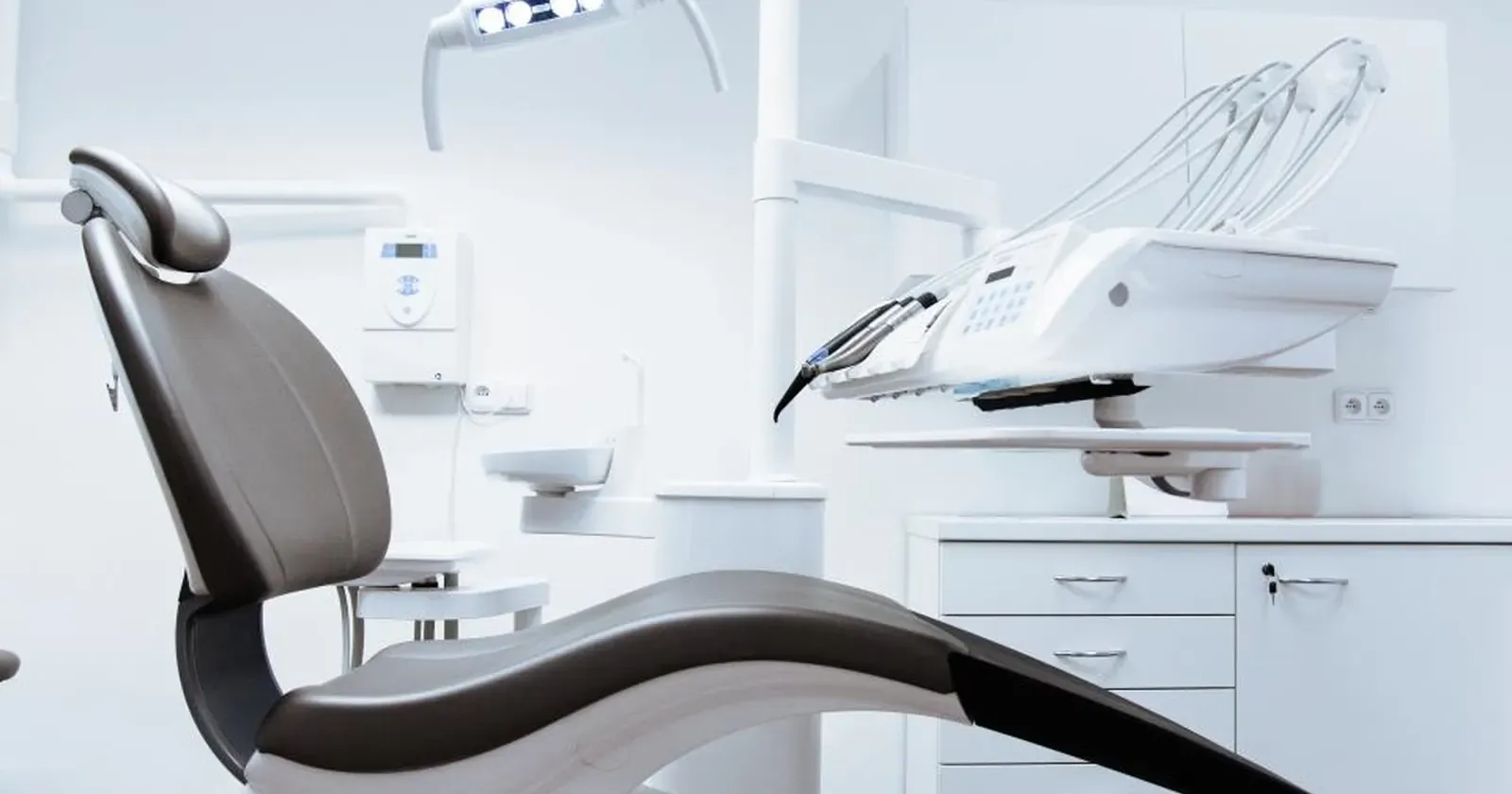
People with a toothache usually look for a dentist on their phone and compare fast: how much it costs, who the dentist is, whether it’s clean, whether there’s a slot today. A dental practice website that answers those questions clearly gives patients the confidence to book, instead of calling around and going elsewhere. This guide lists 7 sections a small dental practice website should have, and how to present them.
Quick summary, a dental practice website needs 7 sections:
- Clear fees and insurance
- Services and what to expect
- Dentists and team
- Sterilization and equipment
- Booking by time slot
- Address, hours and parking
- Real reviews and Google Maps
1. Clear fees and insurance
Cost is the first question for most patients. Many don’t want to call and ask, so they pick a practice that is upfront.
- Prices or price ranges for common treatments: cleaning, fillings, wisdom tooth removal, whitening, crowns, braces or aligners, implants.
- Say “final cost confirmed after an exam” for treatments that depend on the patient’s teeth.
- Insurance plans you accept, and options for patients without insurance.
- Payment plans or financing, especially for orthodontics and implants.
Clear fees also save your front desk from answering the same question many times a day.
2. Services and what to expect
Patients worry most about not knowing what will happen, how long it takes and whether it hurts.
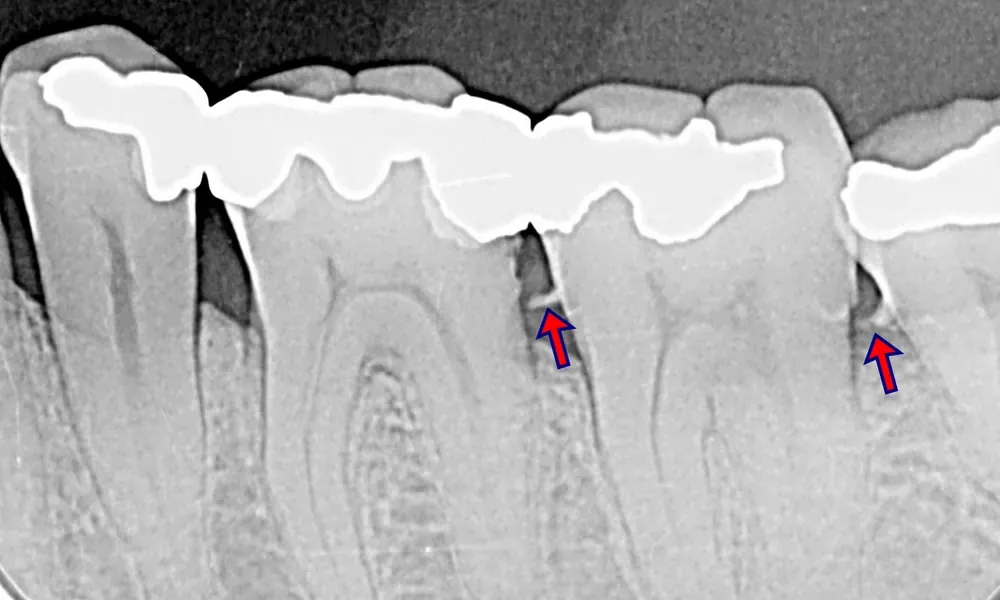 An X-ray shows what the eye can’t, such as tartar below the gum line. Explaining this briefly on your website helps patients understand why an exam comes before a quote. Photo: Jmarchn (CC0).
Each service deserves a few lines:
- Who it’s for: routine cleanings, cavity fillings, braces for kids and adults.
- The main steps and the expected number of visits.
- How long each visit takes and any aftercare.
- An “Not sure, need an exam” option for patients who don’t know which service they need.
Use plain words and explain terms. Don’t promise “completely painless” or the same results for everyone.
3. Dentists and team
Patients are trusting their teeth to someone they haven’t met, so they want to know who that is:
- Name, photo and main focus of each dentist: orthodontics, implants, pediatric dentistry.
- Years of experience, education and professional training.
- License details for the practice and dentists, as required where you work.
- Support team: hygienists, assistants, front desk, who answers messages.
If a dentist prefers not to show a photo, initials in place of a photo still look clean and clear.
4. Sterilization and equipment
Cleanliness matters to patients, but few ask directly. Tell them up front:
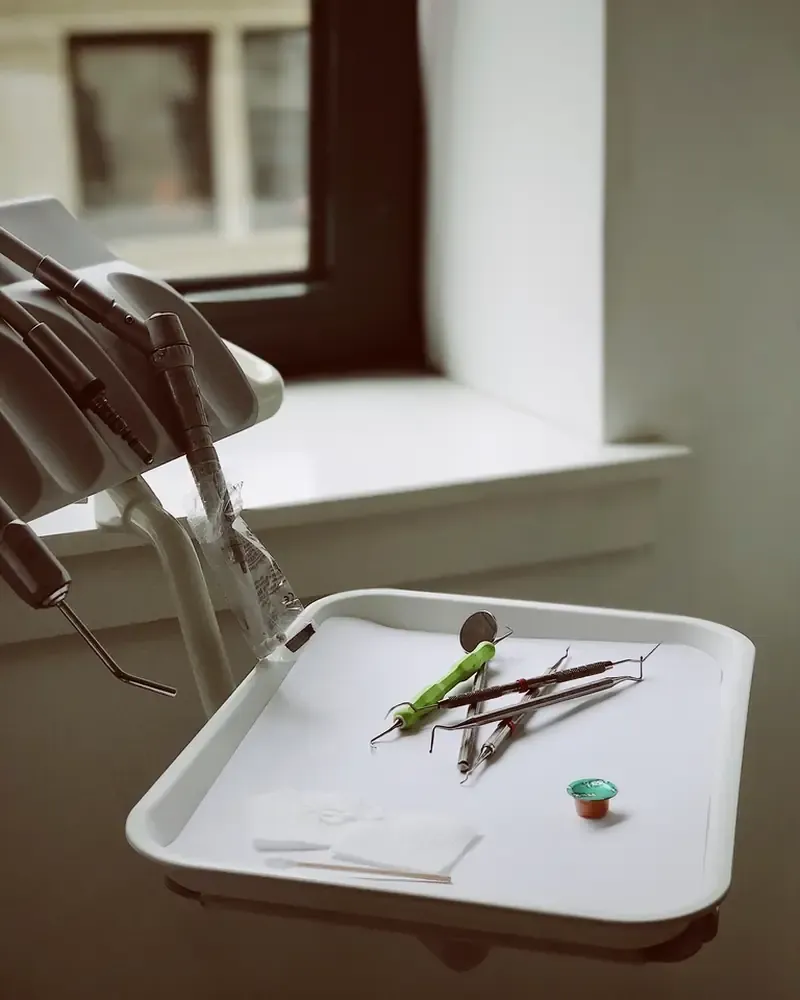 Patients never see the sterilization room, so a short section with real photos of your process puts them at ease. Photo: rawpixel (CC0).
- Sterilization process: instruments sterilized after every patient, single-use items, a fresh tray for each person.
- Main equipment: X-ray, dental chairs, ultrasonic scaler.
- Real photos of treatment rooms and the waiting area, bright and tidy.
- A short promise, such as “we quote before treatment, no surprise charges without your OK”.
5. Booking by time slot
Once patients feel reassured, they need to book right away on their phone. Put booking near the top and the bottom of the page:
 An online booking form sends requests straight to the practice; the front desk only calls to confirm instead of writing down every call. Photo: rawpixel (CC0).
- Call and text buttons always visible at the bottom of the phone screen.
- Booking form: name, phone, treatment, date, time slot, notes (in pain, pregnant…).
- Requests arrive by message or in your Google Sheet, then the front desk confirms the time.
- Emergency hours or how to reach you after hours for dental pain, if you offer it.
6. Address, hours and parking
Patients need to know where to go and when:
- Full address and an embedded Google map.
- Opening hours for each day, including lunch breaks and weekends.
- An “Open now / Closed” status that updates automatically, so nobody arrives during a break.
- Parking and public transit, plus a landmark near the practice.
Kingpes’ dental clinic website template comes with a grouped price list, a dentists section, a sterilization promise, a time-slot booking form with a “Not sure, need an exam” option, an open-now status and a map.
7. Real reviews and Google Maps
New patients trust past patients more than advertising:
- A few real reviews with initials and the treatment received.
- A button to see more reviews on Google, so patients can check for themselves.
- Your Google Maps listing linked to your website, with hours and phone number matching the site. If you don’t have one yet, see how to add your business to Google.
- Ask for a review after treatment, with a QR code to your review page.
A dental practice website doesn’t need to be fancy. Clear fees, clear dentists, a clean process you actually talk about and an easy booking form are enough for patients to choose you. No website yet? See how to create a free website step by step, or pick a free website template and swap in your photos, fees and practice details in about 5 minutes.
Templates in this article

Frequently asked questions
Does a small dental practice really need a website?
Yes. People with a toothache search "dentist near me" on Google, then check fees, dentists and opening hours before calling. A website that answers those questions brings in appointments without you replying to every message.
Should I publish fees on my dental website?
Show prices or price ranges for common treatments and the insurance plans you accept, and say the final cost is confirmed after an exam. Many patients avoid calling to ask and choose practices that are upfront.
Does the website need online appointment booking?
A simple form for date, time and treatment is enough, followed by a call or message to confirm. You don't need a complex booking system; what matters is that requests are easy to send and quickly confirmed.
Can I post before-and-after photos?
Only real cases from your practice, with the patient's written consent, faces hidden or teeth only. Don't promise identical results for everyone, because every mouth is different.
Related articles

Wedding dress rental website: collection and fittings
A wedding dress rental website lets brides browse by code, see rental prices and deposits, and book a fitting themselves. 7 things it needs, built free.

Karaoke bar website: take room bookings online, clear prices
A karaoke bar website shows your rooms and hourly prices by time band, and lets groups book with a live estimate. 7 things it needs, built free.

Vet clinic website: 7 sections that win pet owners' trust
A vet clinic website needs an emergency number, prices by dog, cat and weight, a vaccine schedule from birth date and online booking. Build it free.