
Nail Salon Website: 8 Things That Get Clients to Book
What a nail salon website needs so clients browse and book: a coded design gallery, hand and foot prices, a booking button, map, hygiene promises and reviews.
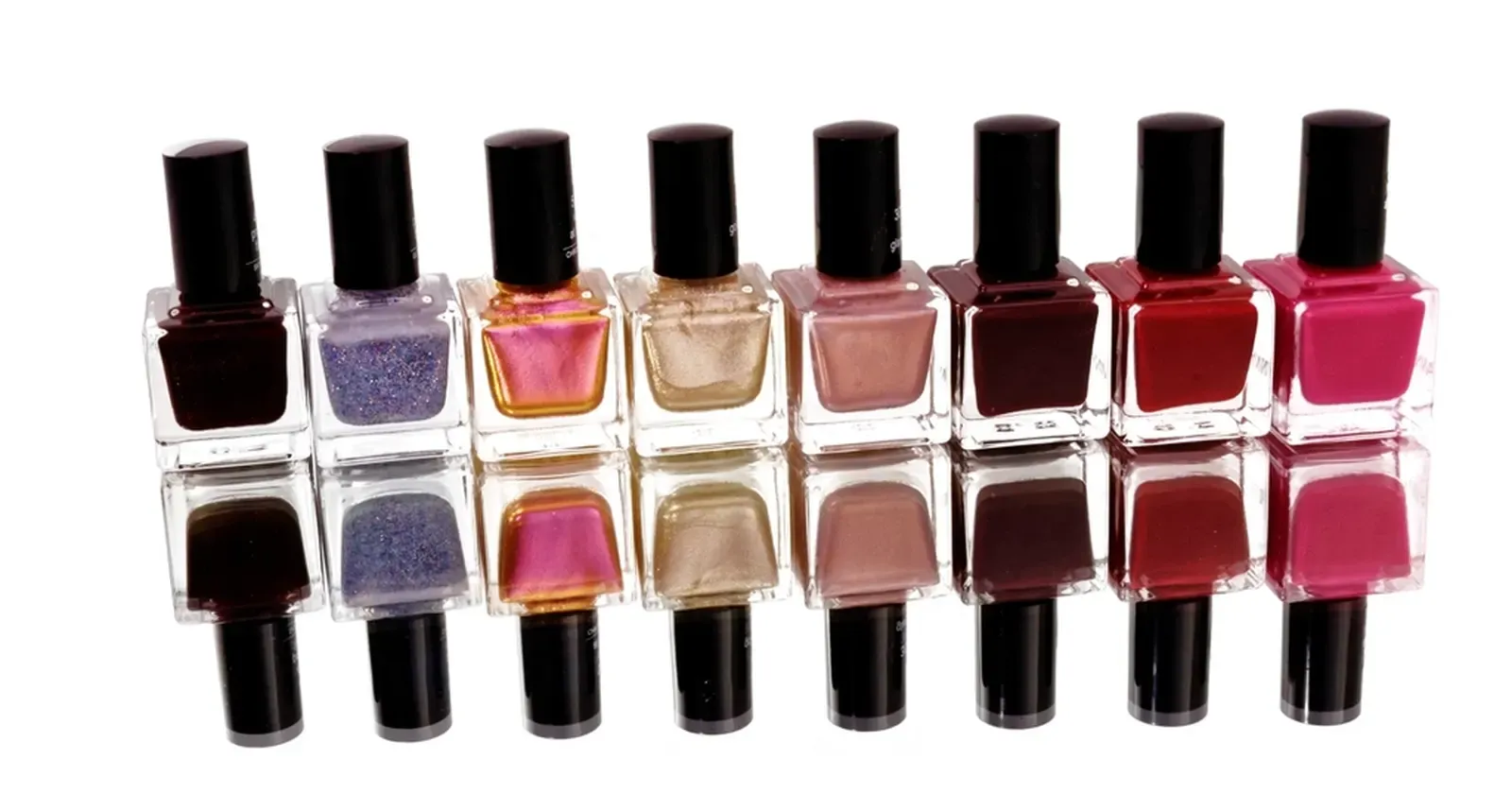
Before they message you, clients looking for a nail salon want to know three things: does the salon do nice work, how much does it cost, and when is there an opening. A nail salon website answers all three the moment someone opens the link, instead of making them scroll through old posts and ask one question at a time. Here are the 8 things your website should have so visitors want to book.
Quick summary, a nail salon website needs:
- A nail design gallery with codes
- Clear prices for hands and feet
- A booking button with time slots
- A tool hygiene promise
- An offer for slow days
- Hours, address and a map
- Real client reviews
- A great mobile experience
1. A nail design gallery with codes
This is where clients spend the most time, because they usually have a look in mind and want to see that you can do something similar.
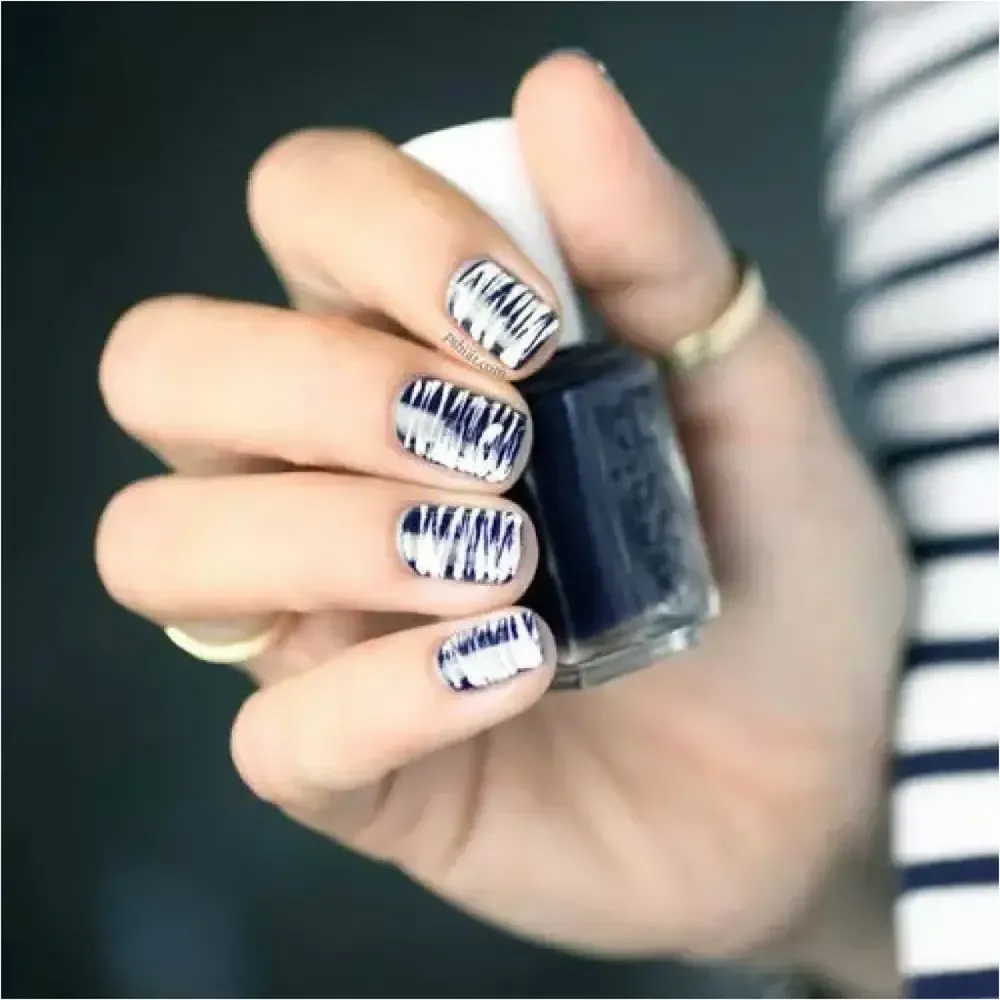 A code like N-012 on every design lets clients name exactly what they want, and your tech can prep the right colors. Photo: waluntain (Public Domain).
Post real sets your salon has done, shot in good light on a clean background. Group them by style so clients can filter quickly: nail art, glitter and gems, solid color, pedicure and spa. Most importantly, give each design a code. A client can text “N-012” instead of a blurry screenshot, and your tech knows ahead of time which colors to set out.
A good template lets clients tap a photo to see it up close, then tap “Book this design” to drop the code straight into the booking form.
2. Clear prices for hands and feet
New clients in particular don’t like asking for prices by message. A clear price list lets them decide on their own.
Group prices by service (nail care, gel polish, extensions, nail art and gems, pedicure) and list hand and foot prices separately. For art and gems, show both a per-nail and a full-set price. Add a short note such as “prices may vary with nail length and design detail” to avoid surprises with elaborate sets.
3. A booking button with time slots
Clients browse in the evening and want to book the weekend right then. If they have to find your number and call while you’re busy, many will move on.
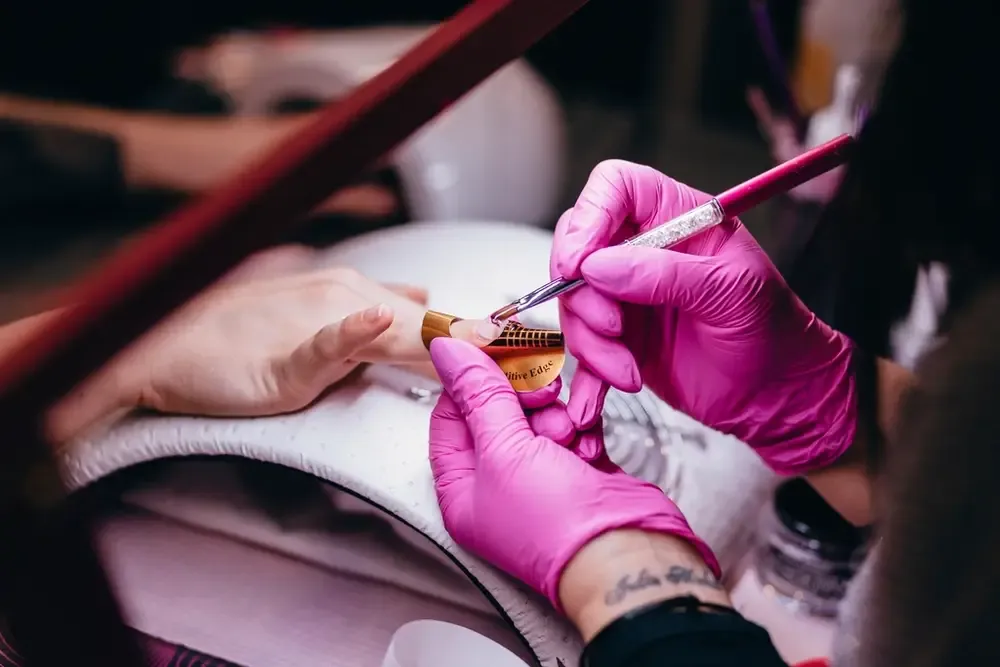 Knowing the design and arrival time ahead lets you plan the day, and clients don’t wait. Photo: rawpixel (CC0).
The booking form only needs a few fields: name, phone, service, design code, date and time. Bookings can go straight into your Google Sheets with a Google Form, or open WhatsApp or a text with the details already written so the client just taps send. Keep a Book now button at the top of the page and in a bar at the bottom of the phone screen.
4. A tool hygiene promise
Hygiene is something clients worry about but rarely ask directly. Saying it clearly on your website reassures first-time visitors.
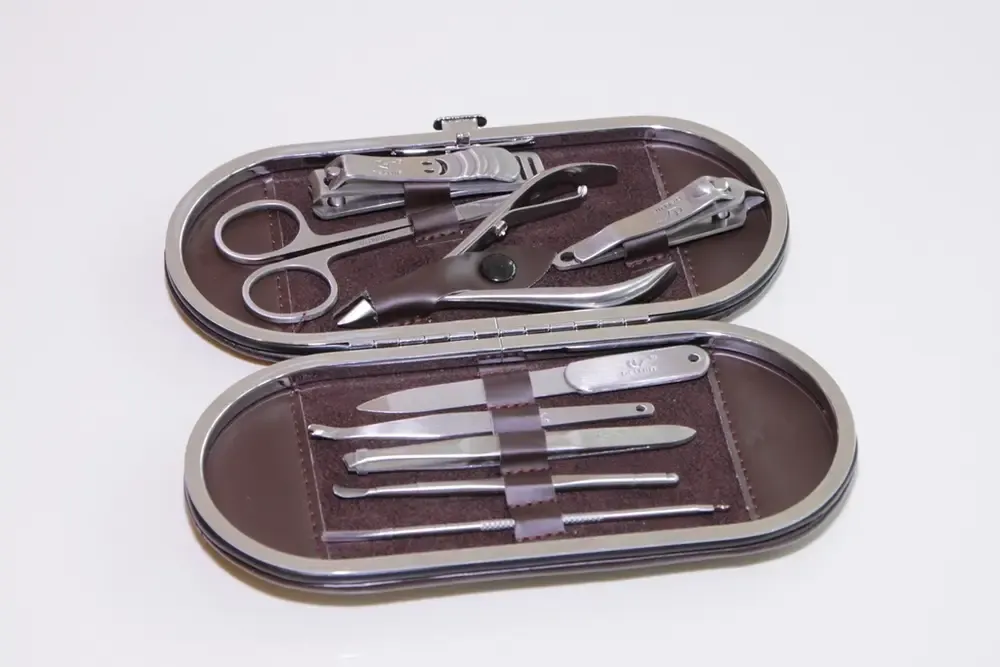 Clippers, files and bits sterilized for every client are worth stating plainly on your site. Photo: rawpixel (CC0).
Write briefly what you actually do: metal tools are sterilized, paper files are single-use, fresh towels for every client, polishes from known brands. Only list what is true. If you can, add a few photos of your clean, bright workstations.
5. An offer for slow days
Most nail salons are packed on weekends and quiet early in the week. A well-timed offer spreads clients out.
Put an eye-catching offer band just below the top of the page, for example “Mon – Wed: 10% off gel when you book ahead.” Keep it short, with clear conditions and an end date. When the offer ends, change or hide it rather than leaving an old deal up for months.
6. Hours, address and a map
New clients don’t know the way. Regulars want to know how late you’re open today.
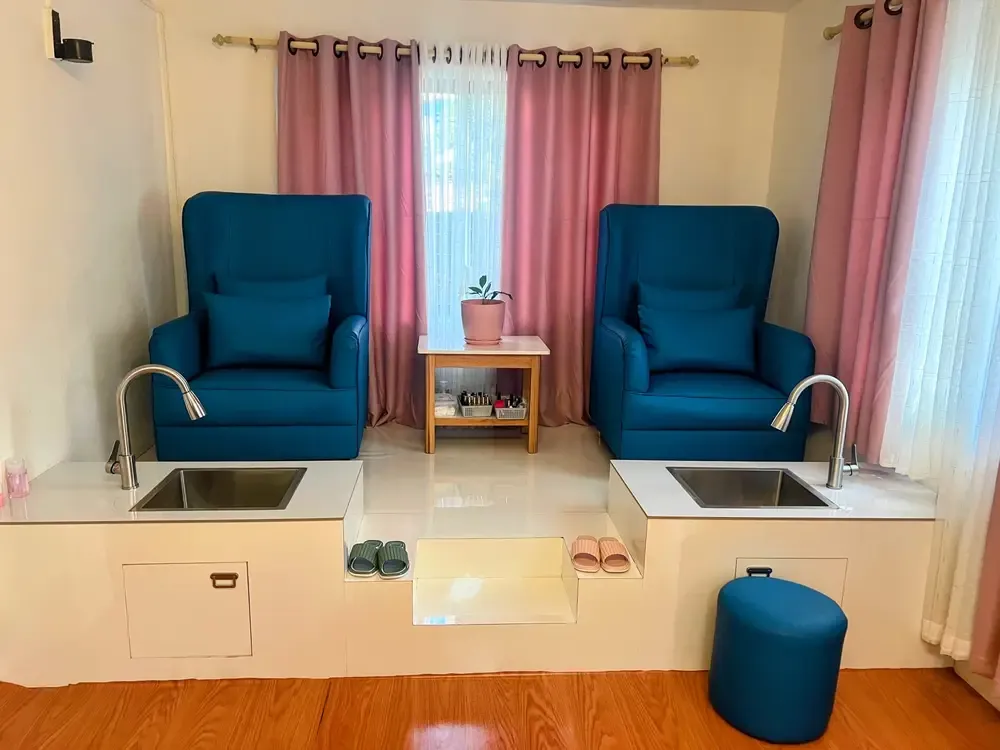 Photos of your real space help clients recognize the salon and trust it before booking. Photo: Alina Kakshapati (CC0).
List hours for each day, with an “Open now” or “Closed” label that updates automatically, your full address and a Google Maps embed with a directions button. Also keep your Google Business Profile up to date and add your website link, so people searching “nail salon near me” on Google Maps find your site too.
7. Real client reviews
Praise from other clients is more convincing than anything you say about yourself. Pick a few real reviews with a name (or initials), a date and a star rating, mentioning something specific like “gel lasted almost three weeks” or “tools unwrapped in front of me.” Add a button inviting clients to review you on Google so the count grows over time.
8. A great mobile experience
Most people look for a nail salon on their phone, so the site has to work on a small screen. Show designs in two columns, use readable text and big booking buttons, and keep the page fast even with lots of photos. If many of your clients speak another language, add a second language version with its own prices.
Make a free nail salon website from a template
You don’t need to hire a designer to get all 8 of these. Kingpes’s nail salon website template already includes a coded, filterable design gallery, a “Book this design” button, hand and foot prices, an offer band, hygiene promises, reviews, hours and a map. Swap in your own nail photos, update prices, add your phone and WhatsApp, and publish for free.
Also offering massage or facials? See the beauty and spa website templates. Many tips in our bakery website checklist work for nail salons too.
Just getting started? Read the guide on how to create a free website for your shop in 5 minutes.
Templates in this article


Frequently asked questions
Does a small nail salon need a website, or is Instagram enough?
Instagram is great for posting new sets every day. A website keeps what clients need in one fixed place, with prices, coded designs, hours and a booking button. Use both and put the website link in your bio.
How many nail designs should I post on the website?
The more real work the better, as long as photos are clear and filtered by style so clients find things fast. Add new designs every week so regulars have a reason to come back.
Should I list prices on the website?
Yes. Show a starting price for each service, split by hands and feet, and note that prices vary with nail length and design detail. Clients book more confidently when they know the price.
Does a nail salon website cost money?
You can build one for free with a ready-made template. You only pay if you want your own domain, billed yearly by the domain seller.
Related articles

Wedding dress rental website: collection and fittings
A wedding dress rental website lets brides browse by code, see rental prices and deposits, and book a fitting themselves. 7 things it needs, built free.

Karaoke bar website: take room bookings online, clear prices
A karaoke bar website shows your rooms and hourly prices by time band, and lets groups book with a live estimate. 7 things it needs, built free.

Vet clinic website: 7 sections that win pet owners' trust
A vet clinic website needs an emergency number, prices by dog, cat and weight, a vaccine schedule from birth date and online booking. Build it free.