
What Should a Bakery Website Include? 8 Must-Have Sections
Menu with prices, ordering, opening hours, map, real photos… the 8 sections every bakery website needs so customers can find you and order right away.
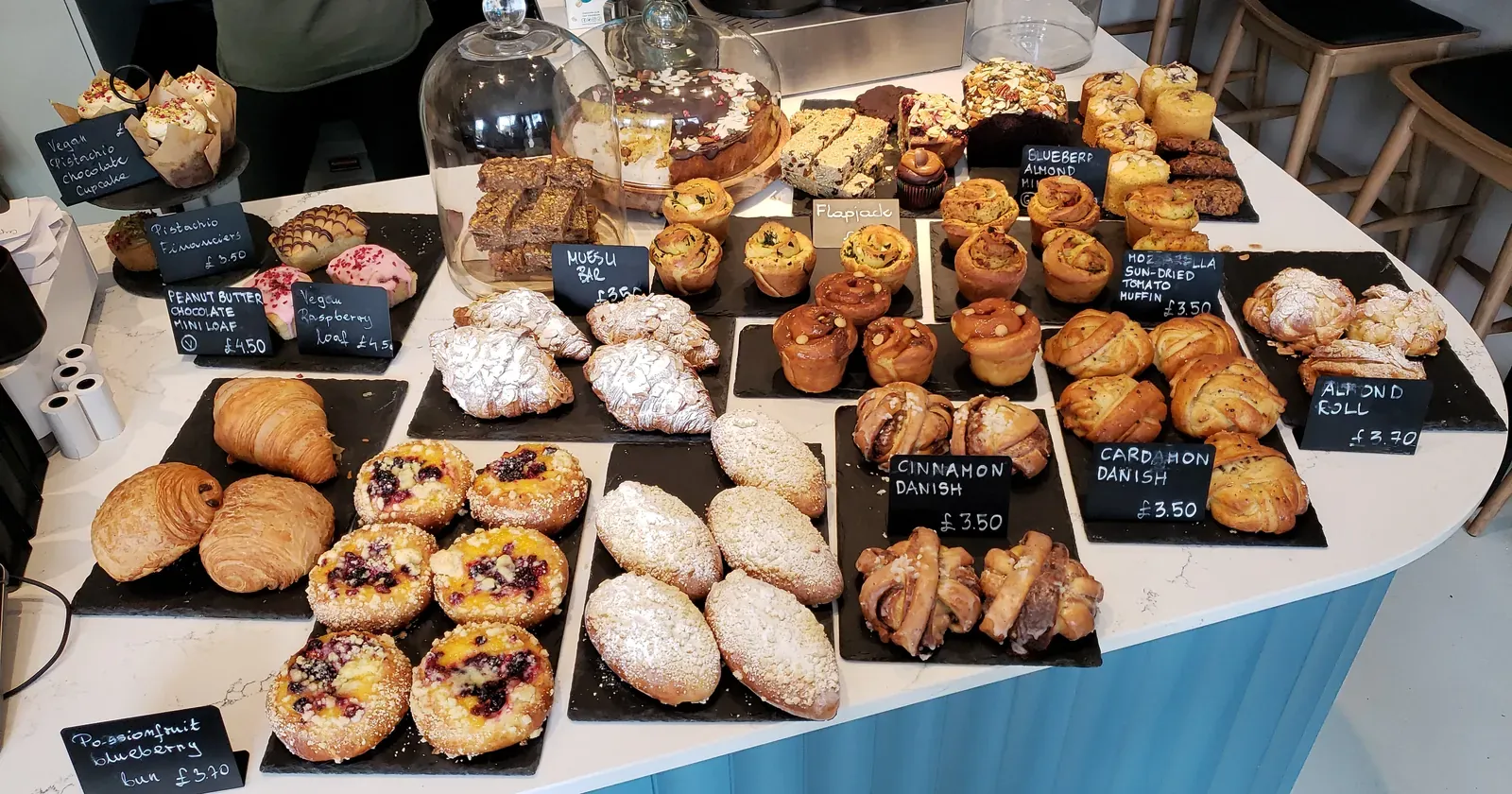
When people search for a bakery online, they want three quick answers: do you have what I want, how much is it, and how do I order. A bakery website that answers these right away gets orders; one that makes people dig around gets a tap on the back button.
In short, a bakery website needs these 8 sections (in the order customers look for them):
- A menu with clear prices
- An order button that works in one tap
- How to order and when to pick up
- Opening hours and an “open now” status
- Address and a map with directions
- Real photos of your cakes and your shop
- Your story and customer reviews
- A fast site that looks good on phones
Details for each one are below. Use it as a checklist before your website goes live.
1. A menu with clear prices
This is the most visited page. Each item should have:
- An easy name (people search for “strawberry cake”, not your shop’s creative nickname for it).
- Price and size: 6-inch serves 6–8, 8-inch serves 10–12…
- A short description of 1–2 sentences: sponge, frosting, sweetness, whether it suits kids.
- Categories: cakes, bread, pastries, seasonal specials.
If prices change with the season or ingredients, “from $…” is better than no price at all. Customers who can see a price feel comfortable asking for more.
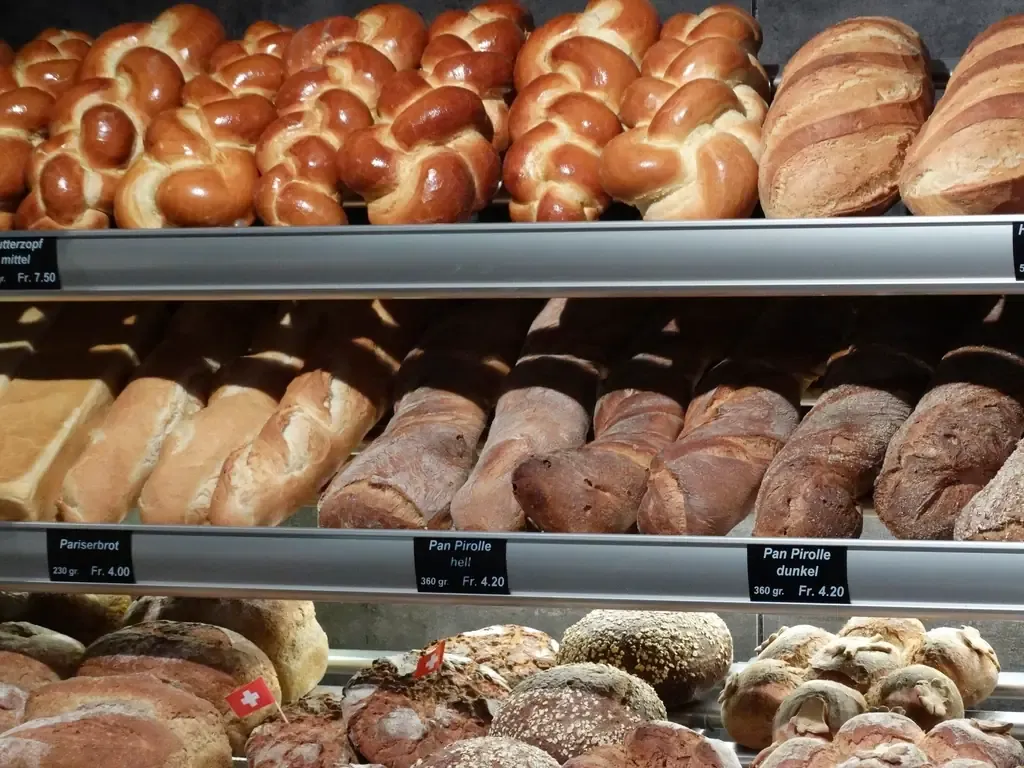 In the shop, every tray has a name and price card. Your online menu should be just as clear. Photo: rawpixel (CC0).
2. An order button that works in one tap
Don’t make people copy your phone number. Add buttons:
- Message on WhatsApp or Messenger: one tap opens a chat with you.
- Call: on a phone, one tap dials your number.
Put the order button at the top of the page, next to each cake and at the bottom. On phones, a bar pinned to the bottom of the screen lets customers order from anywhere on the page.
3. How to order and when to pick up
Many messages ask the same thing. Write a short “How to order” section:
- Pick your cake and size.
- Message us the cake, pickup date and the text for the cake.
- Pick it up in store or get it delivered.
State clearly how far ahead custom cakes must be ordered (for example, one day), your delivery area and delivery fee if any.
4. Opening hours and an “open now” status
People often look for a bakery early in the morning or late in the evening. List your hours for each day of the week. If your website shows “Open now” or “Closed” based on the real time, customers don’t have to guess, and you get fewer calls after closing.
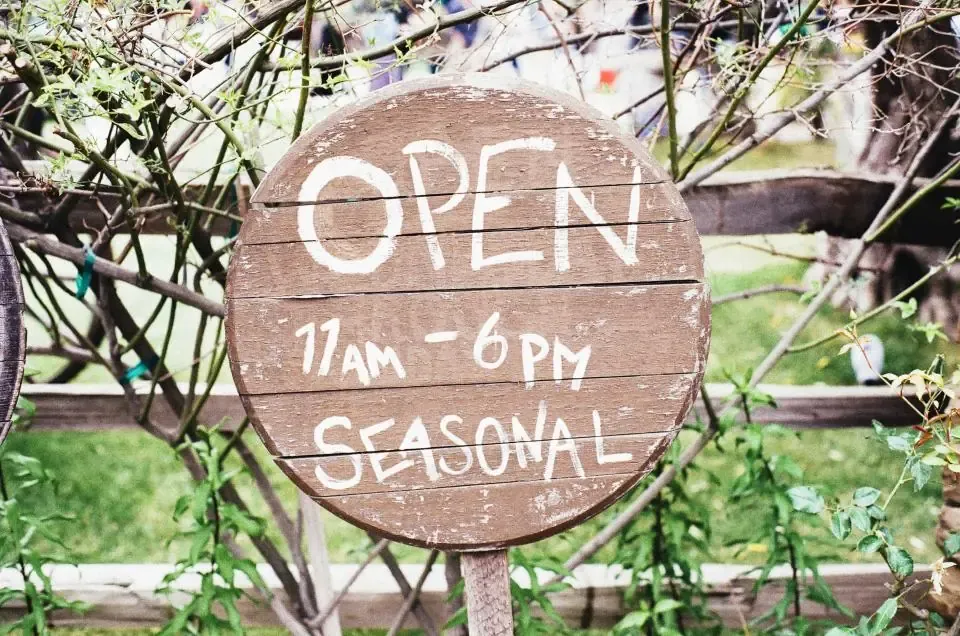 An opening-hours sign outside the shop — your website needs one too. Photo: Jay Mantri (CC0).
5. Address and a map with directions
Show your full address with a Google map. Add a “Get directions” button that opens Google Maps and guides customers to your door.
Also create a free Google Business Profile for your bakery and add your website link to it. People searching “bakery near me” will see you on the map and can tap through to your menu.
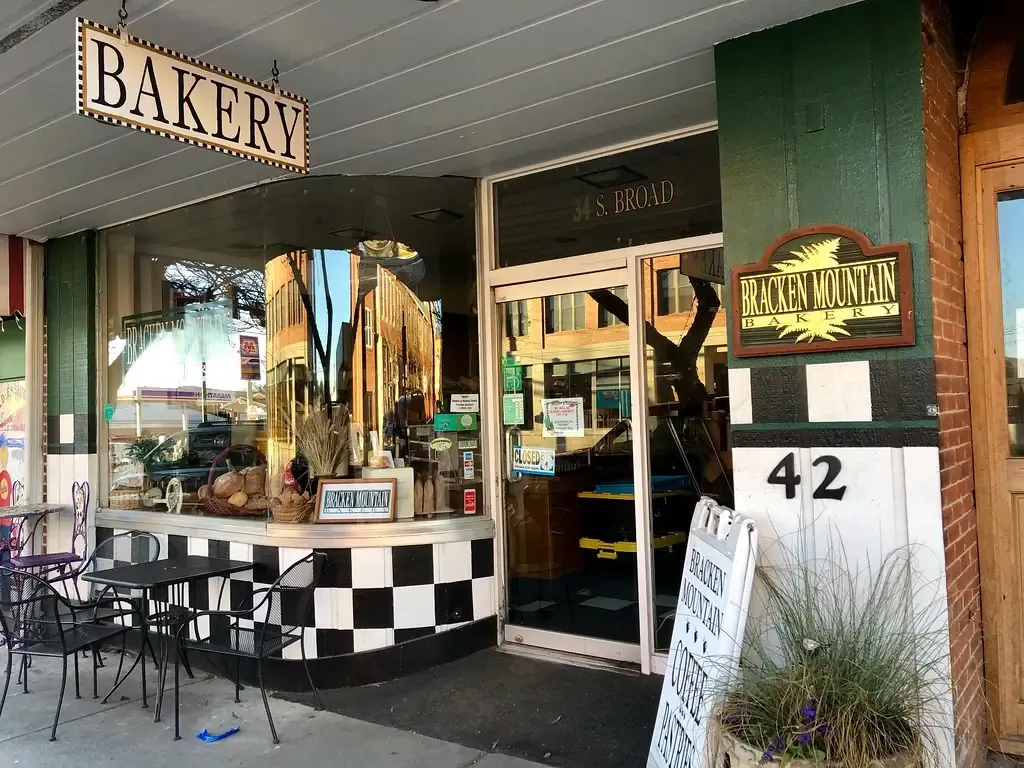 A photo of your storefront and street number helps customers recognise the shop when they arrive. Photo: w_lemay (CC0).
6. Real photos of your cakes and your shop
Photos matter a lot: people eat with their eyes first. A few simple rules:
- Photograph the exact cake customers will receive; don’t use stock photos.
- Shoot near a window in daylight, on a clean background, with light editing.
- One square photo per cake, all in the same style, so the menu looks consistent.
- Add a few shots of the counter, the oven and the shop so people see you’re real.
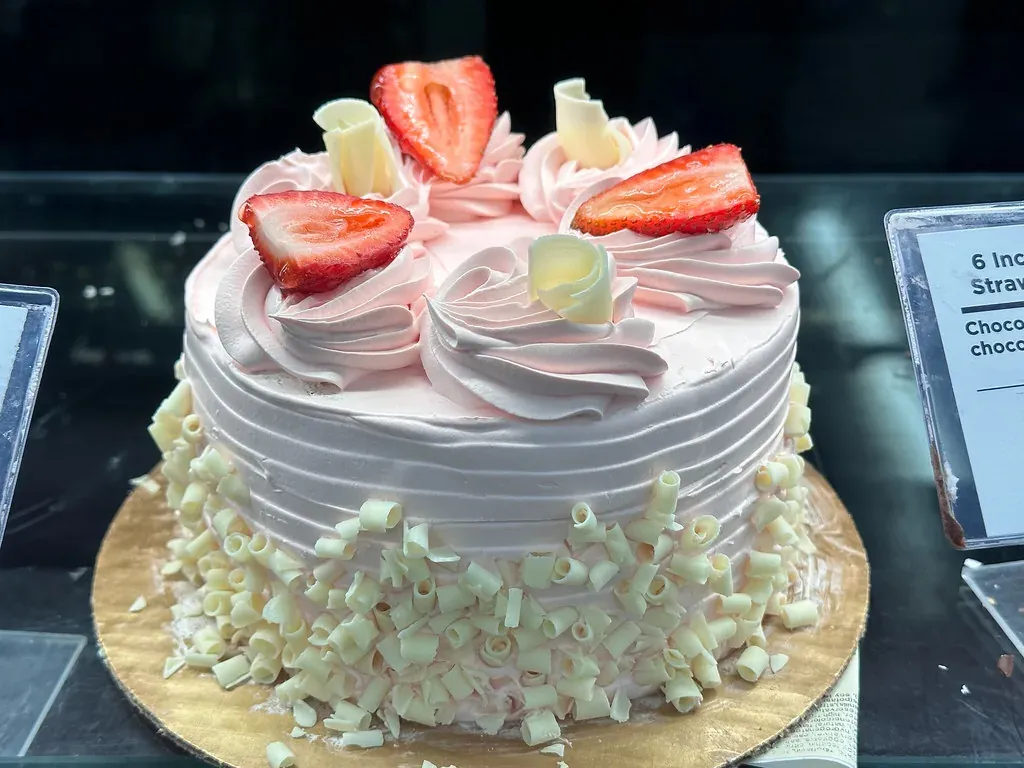 A real photo of the cake you actually sell, with its name and size, is more convincing than any stock image. Photo: joncutrer (CC0).
7. Your story and customer reviews
A short “About us”: how the bakery started, the ingredients you use, what makes your cakes different. People often choose a bakery because of its story and the trust it builds, not just the price.
Add 3–6 real reviews from customers (with their name and permission). Never write fake reviews: people spot them quickly, and lost trust is hard to win back.
8. A fast site that looks good on phones
Most people look for a bakery on their phone. So open your website on a phone and check:
- Text is big enough to read without zooming.
- The order button is easy to tap with a thumb.
- Pages load fast and photos are compressed.
- The address bar shows the HTTPS padlock, so browsers don’t show a warning.
Tips to help customers find you
- Print a QR code to your website on cake boxes, stickers and business cards. Happy customers can scan it to order again.
- Put your website link in your Instagram bio, Facebook page and Google Business Profile.
- If you serve tourists or international customers, add a second language with prices in their currency.
Start from a ready-made template
You don’t have to design from scratch. The Kingpes bakery website template already includes all 8 sections above: a menu with prices, message and call buttons, ordering steps, opening hours, a map, photos, your story and reviews. If you also sell drinks, see the coffee shop template, or browse the whole free template library.
Open the template, replace the name, prices and photos with your own, then check it against the 8 points above.
Just getting started? Read the guide on how to create a free website for your shop in 5 minutes.
Templates in this article

Bakery
Free
Frequently asked questions
Does a bakery website need a shopping cart and online payment?
Not necessarily. For a small bakery, a WhatsApp or call button is usually enough, and customers are used to it. Add a cart only when orders grow faster than you can answer messages.
Should I use a camera or a phone to photograph my cakes?
A recent phone is enough. What matters is shooting near a window in daylight, on a clean background, and showing the exact cake customers will get.
Can a website replace my Instagram or Facebook page?
Keep both. Social media is for daily posts and conversations; the website is where complete, up-to-date information lives so new customers can find you on Google. Link them to each other.
How often should I update my website?
Every time you change a price, add a new cake or change your hours. Wrong information (old prices, discontinued cakes) loses customers' trust faster than having no website at all.
Related articles
Wedding dress rental website: collection and fittings
A wedding dress rental website lets brides browse by code, see rental prices and deposits, and book a fitting themselves. 7 things it needs, built free.

Karaoke bar website: take room bookings online, clear prices
A karaoke bar website shows your rooms and hourly prices by time band, and lets groups book with a live estimate. 7 things it needs, built free.

Vet clinic website: 7 sections that win pet owners' trust
A vet clinic website needs an emergency number, prices by dog, cat and weight, a vaccine schedule from birth date and online booking. Build it free.