
Five-a-side pitch website: take bookings online, not by text
A five-a-side pitch website lets teams check prices by time band, pick a pitch and kick-off and send a booking request; you confirm by chat or Google Sheets.

Every five-a-side owner knows the endless messages: “Is there a pitch at 7 tonight?”, “How much is the 7-a-side?”, “What does 90 minutes cost?”. A five-a-side pitch website answers those questions for you: teams check prices by time band, pick the pitch, date and kick-off, see the total and send the request. You just confirm. This guide covers what a pitch website needs to take bookings online, for 5- and 7-a-side pitches, futsal halls and turf complexes.
Quick summary, a five-a-side pitch website needs 6 parts:
- A clear price list by time band
- A booking form that works out the price
- Weekly bookings for regular teams
- Requests by chat and Google Sheets
- Pitch photos, facilities and leagues
- Opening hours, map and change policy
1. A clear price list by time band
The first question from every team is price. Don’t make them ask. Put a price list by time band at the top of the page, one column per pitch type:
- Off-peak: weekday mornings and early afternoons, the lowest price.
- Peak: usually 17:00–21:00, the busiest hours.
- Late after 21:00: can be cheaper than peak to fill empty slots.
- Weekend: one price all day, easy to remember.
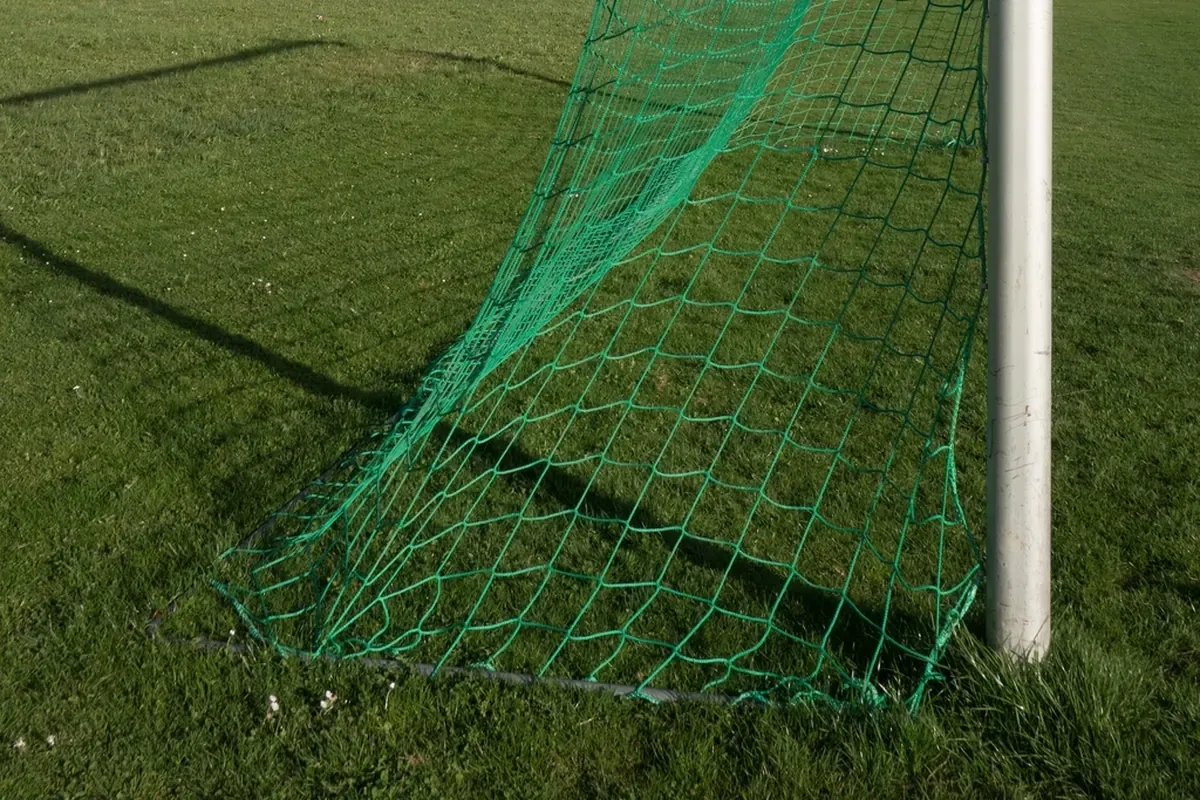 A public price list lets teams pick a time that fits their budget before they get in touch. Photo: rawpixel (CC0).
Add what the price includes (balls, lights, free water or not) and the smallest step, for example “book from 1 hour, in 30-minute steps”.
2. A booking form that works out the price
This is the part that saves you the most messages. The booking form should have:
- A choice of pitch type (5- or 7-a-side), date, kick-off time and length (1 hour, 90 minutes, 2 hours…).
- Automatic pricing by time band. If a team books 16:30–18:00 on a Tuesday, that is 30 minutes off-peak plus 1 hour peak. They see the exact figure and do not need to ask.
- Add-ons such as a crate of water, bibs, a referee or match video, each with its own price.
- Fields for team name, phone and notes (number of players, boot hire…).
When the team taps send, the request already holds everything: which pitch, what time, how much. You just check the schedule and reply “OK”.
3. Weekly bookings for regular teams
Company and student teams often play the same slot every week. Let them tick “book the same slot every week” and choose how many weeks (4, 8, 12). The message you get says something like “every Tuesday at 19:00, 12 weeks” with the total, so you can hold the slot for the whole block.
 Regular teams are a pitch’s steadiest income, so make long bookings easy. Photo: rawpixel (CC0).
Spell out the policy: the deposit, what happens when it rains and how many sessions can be moved. Writing it on the website avoids arguments.
4. Requests by chat and Google Sheets
You don’t need expensive pitch software to start. There are two free ways to receive requests:
- By WhatsApp, chat or phone: the team taps send and the booking text is written for them; they paste it into your chat.
- Through Google Forms and Google Sheets: each request becomes a row in a spreadsheet with date, time, pitch, price and phone. Setting up a form is covered in Google’s Forms help.
A simple website cannot block a slot someone already booked, so state “we confirm within 15 minutes”. Teams that can see the process wait calmly instead of calling repeatedly. Tip: put QR codes for shops linking to the booking page at the gate and the café, so teams book next week’s game as they leave.
5. Pitch photos, facilities and leagues
Teams don’t choose on price alone. They want to know what the pitch is like:
- Photos of each pitch: the turf, size, night lighting and which pitch is covered.
- Facilities: parking, changing rooms, hot showers, a café, Wi-Fi, boot hire.
- Leagues and events: local leagues, company cups, with dates, entry fees and a button to enter a team.
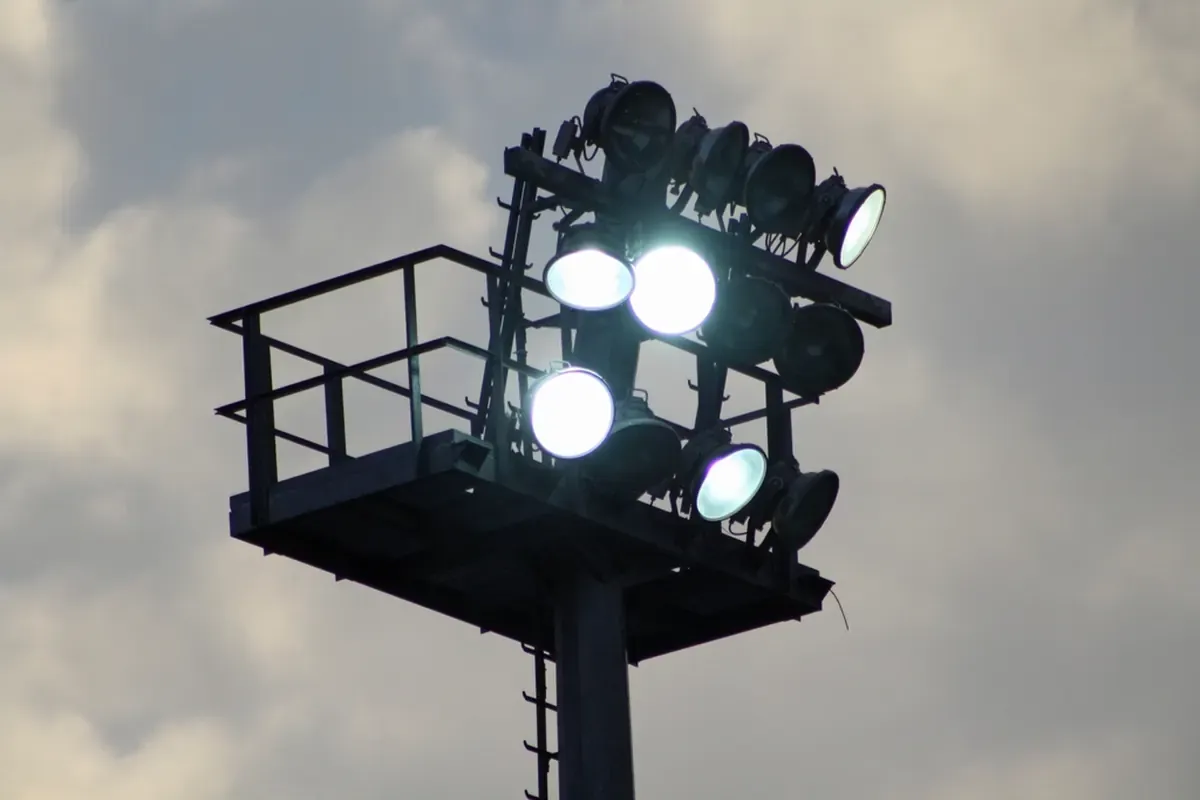 A photo of the lights at night shows late games are well lit. Photo: rawpixel (CC0).
Use real photos of your pitches, by day and by night. If you are new to photography, see product photography with a phone; the tips on light and angles work for pitch photos too.
6. Opening hours, map and change policy
At the bottom of the page, list opening hours, the address, a map and a “Directions” button so teams from further away find you easily. Also set up a Google Maps profile so you show up for “five-a-side near me”; see how to add your business to Google Maps.
Add a few FAQs: is a deposit needed, how late can you cancel, what if it rains, can you hire boots. Every answer written down is a message you don’t have to type again.
Make a five-a-side pitch website for free
You don’t need to hire a web developer. See how to create a free website, or open the five-a-side pitch template in the free website template library: change the venue name, prices for each time band, photos and phone number, and go live in about 5 minutes. The price list, self-pricing booking form and weekly bookings are already built in.
Templates in this article

Frequently asked questions
Does a small pitch need a website, or is a social page enough?
A social page is good for match photos and offers. Hourly prices, a booking form and directions belong on a website, because people searching "five-a-side near me" on Google can see them straight away and book without messaging you.
Will the website block a slot so two teams can't book it?
A simple website does not lock slots automatically. Each request goes to your chat or Google Sheet, you check the schedule and confirm. Say clearly on the page "We confirm within 15 minutes" so teams know what to expect.
When should peak time start?
Most city pitches charge peak from 17:00 to 21:00 on weekdays and one price all day at weekends. Look at your own booking history: the hours that are always full are your peak.
How should I take deposits from weekly teams?
Many pitches take a 20–30% deposit for the block or charge monthly. Write on the website how deposits work, what happens when it rains and how many sessions can be moved, to avoid arguments later.
Related articles

Wedding dress rental website: collection and fittings
A wedding dress rental website lets brides browse by code, see rental prices and deposits, and book a fitting themselves. 7 things it needs, built free.

Karaoke bar website: take room bookings online, clear prices
A karaoke bar website shows your rooms and hourly prices by time band, and lets groups book with a live estimate. 7 things it needs, built free.

Vet clinic website: 7 sections that win pet owners' trust
A vet clinic website needs an emergency number, prices by dog, cat and weight, a vaccine schedule from birth date and online booking. Build it free.