
Website or Facebook page: what should a small shop choose?
Website or Facebook page for a small shop? Strengths and weak spots of each, a quick comparison table and how to use both: social to attract, website to sell.
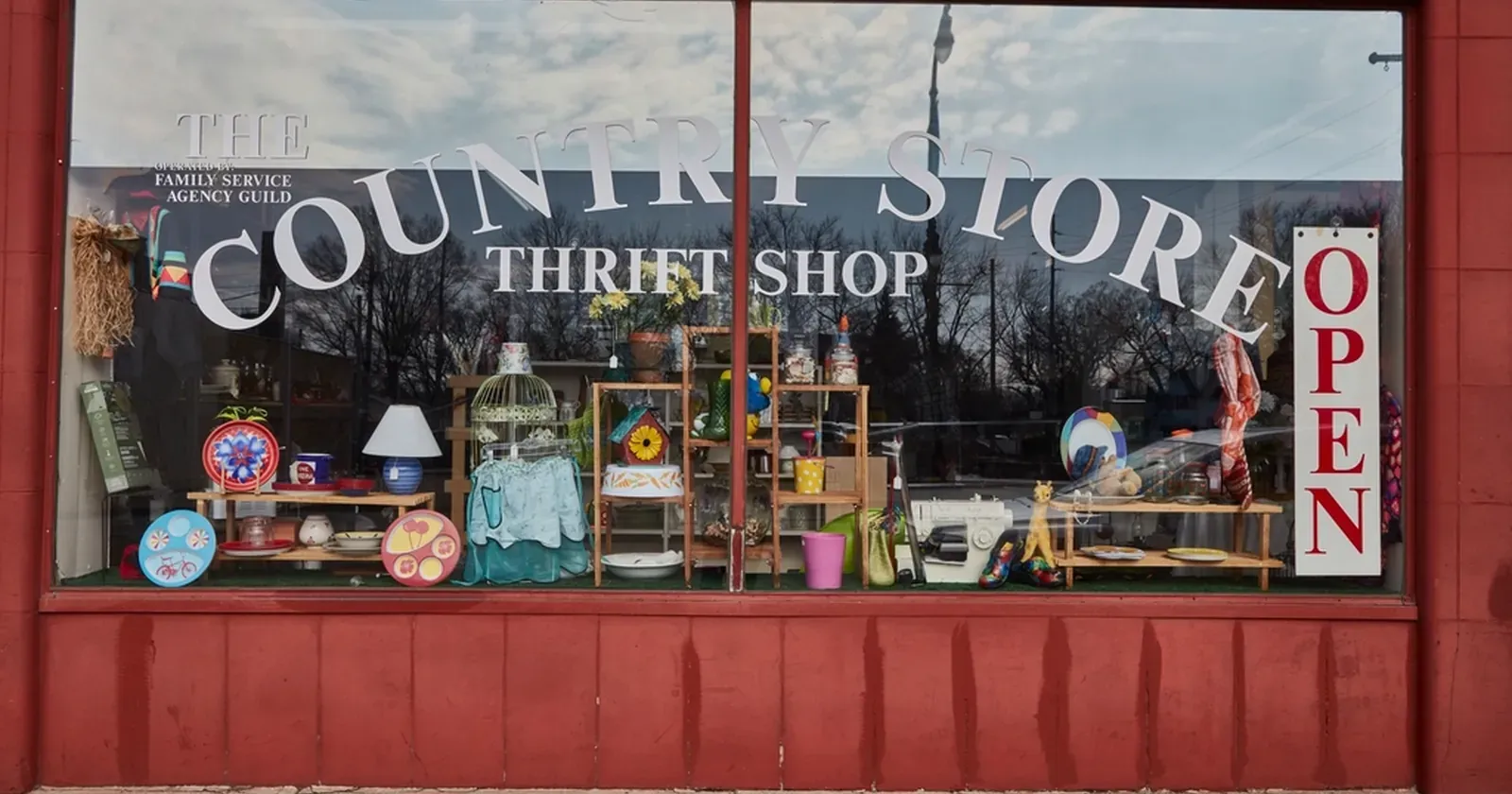
When you open a small shop, one of the first questions is website or Facebook page: which comes first, and do you need both? A Facebook page is free, familiar and takes minutes. A website sounds harder and more expensive. In reality each one does a different job well. This article compares them briefly, with a quick table by business type and a simple way to use both without much extra time.
Quick summary, 6 things to know:
- What a Facebook page does well
- What a website does well
- Website vs Facebook page: comparison table
- When a Facebook page is enough
- When to add a website
- Use both: social to attract, website to sell
1. What a Facebook page does well
A Facebook page (or an Instagram business profile) is strongest because your customers are already there. You post, they scroll past, like, comment and message you.
- Reaching new people: posts get shared, and your customers’ friends see them too.
- Quick conversations: customers ask, you answer in Messenger.
- Daily updates: new items, fresh stock, photos of happy customers.
- Free and easy: anyone who uses Facebook can set one up.
The weak spot: old posts disappear fast. A customer looking for prices or opening hours has to scroll and usually ends up messaging you to ask. You also do not decide who sees your posts; the platform decides for you.
2. What a website does well
A website is your shop online: open 24/7, arranged the way you want, and nothing gets buried.
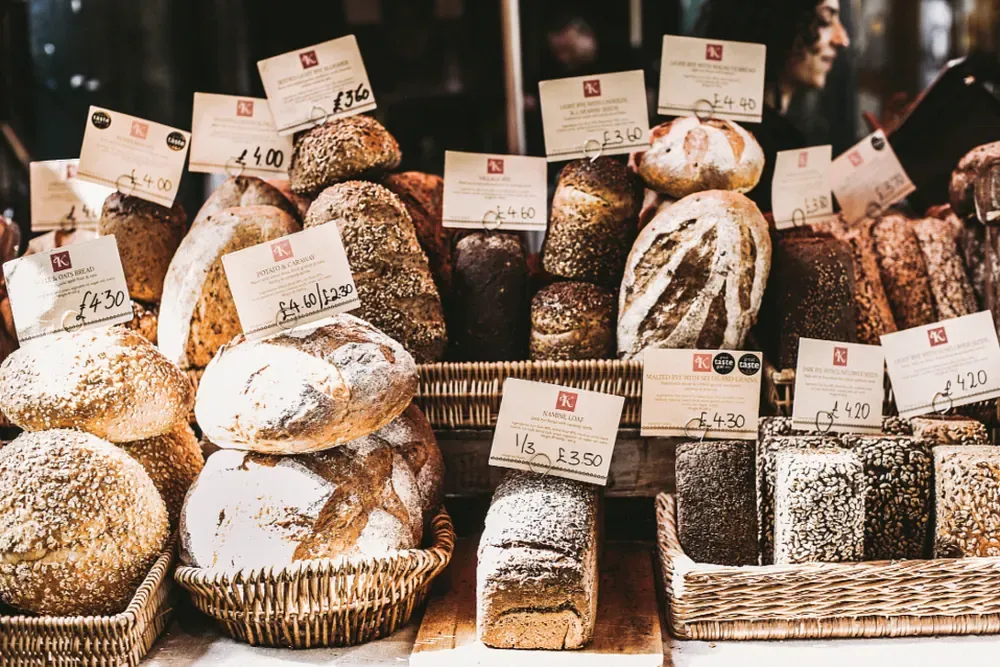 Like a bread shelf with price tags, a website lets customers see every product and price without asking. Photo: Daria Shevtsova (CC0).
- Found on Google: people searching “bakery near me” or “florist downtown” can land on your website.
- Everything in one place: products, prices, opening hours, address, map, frequently asked questions.
- Orders and bookings built in: customers fill in a form and it reaches your chat app or Google Sheets.
- One link for everything: print it on business cards, put a QR code at the counter, add it to WhatsApp and Google Maps.
The weak spot: a website does not pull in casual scrollers the way social media does. You need to set it up properly once and remember to update prices when they change.
3. Website vs Facebook page: comparison table
| Facebook page | Website | |
|---|---|---|
| Cost | Free | Can be free; your own domain costs extra |
| Reaching new people | Strong, through shares and posts | Weaker, through Google and the links you share |
| Found on Google | Limited | Good, if it has enough text and details |
| Seeing all products and prices | Hard, posts get buried | Easy, grouped by category |
| Orders and bookings | By message, copied by hand | A form that reaches your chat app or Google Sheets |
| Who decides who sees it | The platform | You |
| Daily updates | Ideal | Best for information that rarely changes |
The table says it all: a social page is for conversation, a website is for showing everything and taking orders.
4. When a Facebook page is enough
A page is enough while your business is small and mostly runs on people you know:
 A small stall, a few products, regular customers: a social page and a price board can be enough. Photo: Daria Shevtsova (CC0).
- You sell fewer than about 10 items, and prices rarely change.
- Most customers are friends, neighbours and existing followers.
- You are testing an idea and are not sure you will keep going.
- You do not have a fixed address for customers to visit.
In that case, keep the page tidy: a good cover photo, a clear “About” line saying what you sell, your reply hours, and a pinned post with prices.
5. When to add a website
Add a website when customers start asking the same question again and again, or when you want strangers to find you:
- You have about 10–15 products or services or more, with prices, sizes and colours.
- You have a shop or fixed address and need opening hours and a map.
- You take bookings (salon, spa, clinic) or pre-orders (cakes, flowers, gifts).
- You want to be found on Google and Google Maps, not only on Facebook.
- You sell to visitors from abroad and need several languages or currencies.
 A florist with many designs and prices: a website lets customers choose before they message. Photo: rawpixel (CC0).
Take a florist with 50 bouquet designs. On Facebook, customers scroll post by post and message “how much is this one?”. On a website, they filter by occasion, see the price, tap “order this design” and pick a delivery date. You only confirm.
6. Use both: social to attract, website to sell
For most small shops the best setup is both, each doing its own job:
- Post on Facebook or Instagram as usual and end with your website link: “See all designs and prices at…”.
- Put your website link in your Facebook “About” section, Instagram bio, WhatsApp profile and Google Maps listing. See how to add your business to Google Maps.
- Reply to messages with a link: when someone asks for prices, send the link to that product group instead of typing it all again.
- Print a QR code that opens your website, at the counter and on your bags.
That way social media keeps bringing new people in, while your website keeps the stable information and takes orders for you, even while you sleep. To compare website builders, see free website builders compared; Meta’s own setup guides are in the Facebook Business Help Center.
No website yet? See how to create a free website in about 5 minutes, or pick a design from the free website template library, such as the bakery or flower shop template, change the name, photos and prices, and add the link to your page.
Templates in this article


Frequently asked questions
Should a small shop start with a website or a Facebook page?
If you sell only a few items and most customers are people you know, a Facebook page is enough to start. Once you have 10–15 products, a price list, opening hours, or want to be found on Google, add a website.
I already have a Facebook page. Do I still need a website?
It is not required, but a website helps people find you on Google, see all products and prices in one place, and order without messaging you first. Keep the page for posts and conversations.
Does a website cost money?
It can be free: pick a ready-made template, change the name, photos and prices, and publish. You only pay if you want your own domain such as yourshop.com.
Can a website replace my Facebook page?
Better not. Social pages are good at reaching new people and chatting; a website is good at showing everything and taking orders. They work best together.
Related articles

Room for rent ads: your own website or social media groups?
Posting a room for rent in Facebook groups is fast, but posts sink. Compare groups, listing sites and your own website, and how to combine them.

Free Website Builders Compared: Kingpes, Google Sites, Wix
Comparing 3 ways to make a free website for a small shop: Kingpes, Google Sites and Wix's free plan. Ads, your own domain, orders, limits and which to pick.

Car rental business: the website and paperwork you need
Starting a car rental business? Register it, use a rental agreement, insure every car, set deposit and mileage rules, and get a website with daily rates.