
Room for rent ads: your own website or social media groups?
Posting a room for rent in Facebook groups is fast, but posts sink. Compare groups, listing sites and your own website, and how to combine them.
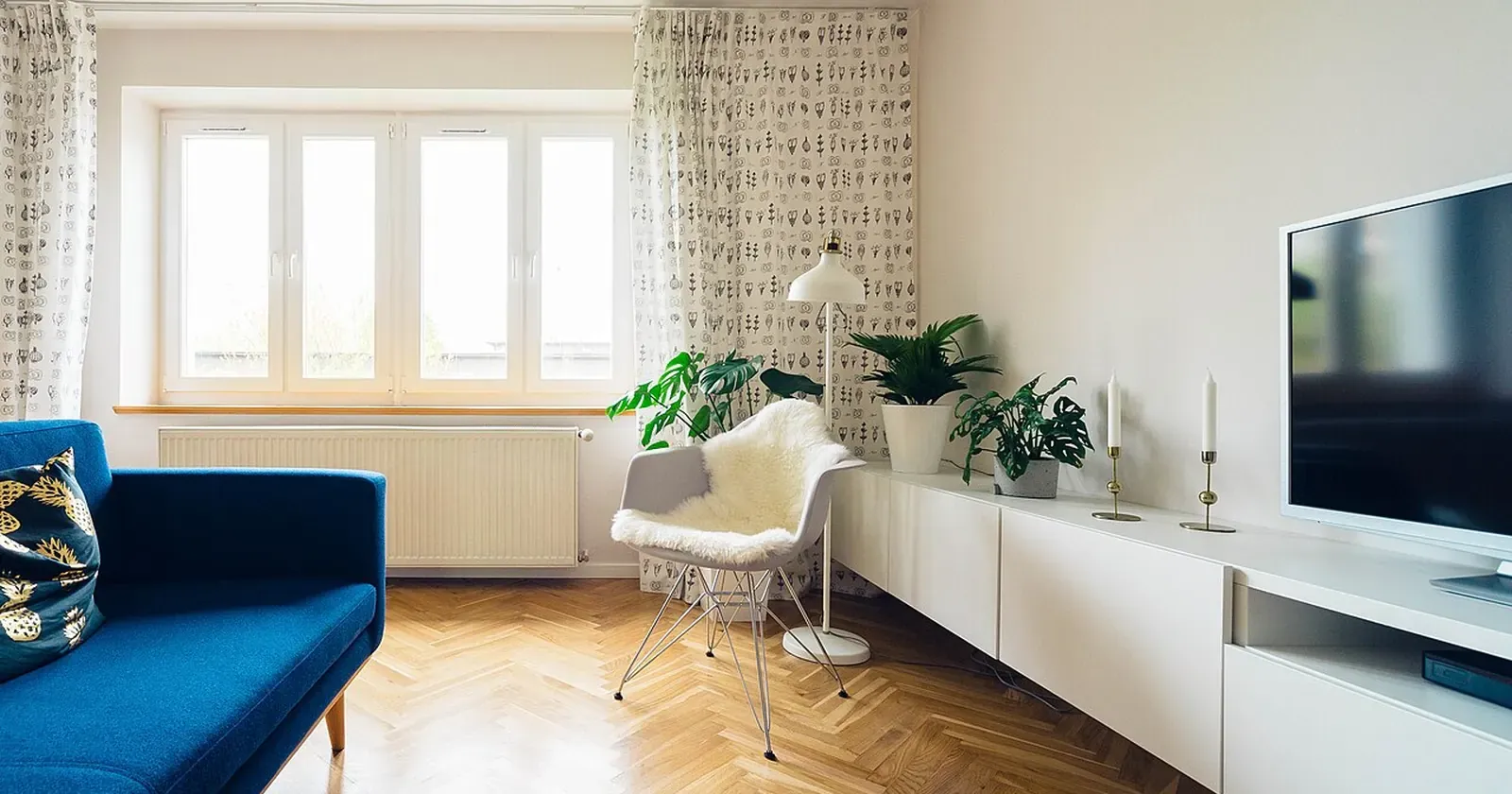
Anyone with a few rooms, a small apartment building or serviced flats has posted a room for rent ad in a Facebook group, only to watch it sink a few days later and post it again. Is there a way to keep your listing visible, let tenants find it on their own and have them ask the right questions? This guide compares three options, groups, listing sites and your own website, and shows how to combine them so units rarely stay empty.
Quick summary: where to post a room for rent and how to use each:
- Facebook groups and Marketplace: fast and free, but posts sink
- Listing sites and apps: big audience, hard to stand out
- Your own website: always visible, found on Google
- What a good rental listing includes
- Combine them: post in groups, link to your website
- Keep it accurate: availability, rent, bills
1. Facebook groups and Marketplace: fast and free, but posts sink
Local rental groups and Marketplace have huge audiences and posting costs nothing. A new post often gets questions within hours.
The catch is that posts sink fast: dozens of new ads every day push yours down. Everyone asks the same questions, “how much, what about bills, is it still free?”. Photos get compressed, and many groups limit how often you can post.
2. Listing sites and apps: big audience, hard to stand out
Property portals and rental apps get lots of visitors, with filters for area and price. They are a good place for people searching for the first time.
 On listing sites your ad blends in with hundreds of similar buildings. Photo: Gary Todd (CC0).
In return, your ad sits among hundreds of similar ones. Getting to the top usually means paying for a boost. Each site has its own form, so it is hard to explain service fees, parking or house rules, and you must remember to remove the ad everywhere once a unit is let.
3. Your own website: always visible, found on Google
A website is where your listing stays put: it does not sink and has no limit on photos or text. People searching “serviced apartment” plus your area on Google can find your page, especially if you also have a Google Maps listing.
On your site you can show everything tenants need: each unit with real photos, size, rent for 6- and 12-month leases, the date it is free, utility costs, house rules and a viewing button. People read first and message later, so you get fewer, better enquiries. Still unsure? Read our comparison of a website or Facebook page.
4. What a good rental listing includes
Wherever you post, a rental ad should answer the usual questions up front:
- Rent and lease: monthly rent, minimum term, and whether longer leases are cheaper.
- Monthly bills: electricity, water, service fee, parking, internet.
- The unit: size, bedrooms, floor, windows or balcony, what furniture is included.
- Availability: free now or from which date.
- House rules: quiet hours, pets, maximum occupants, deposit.
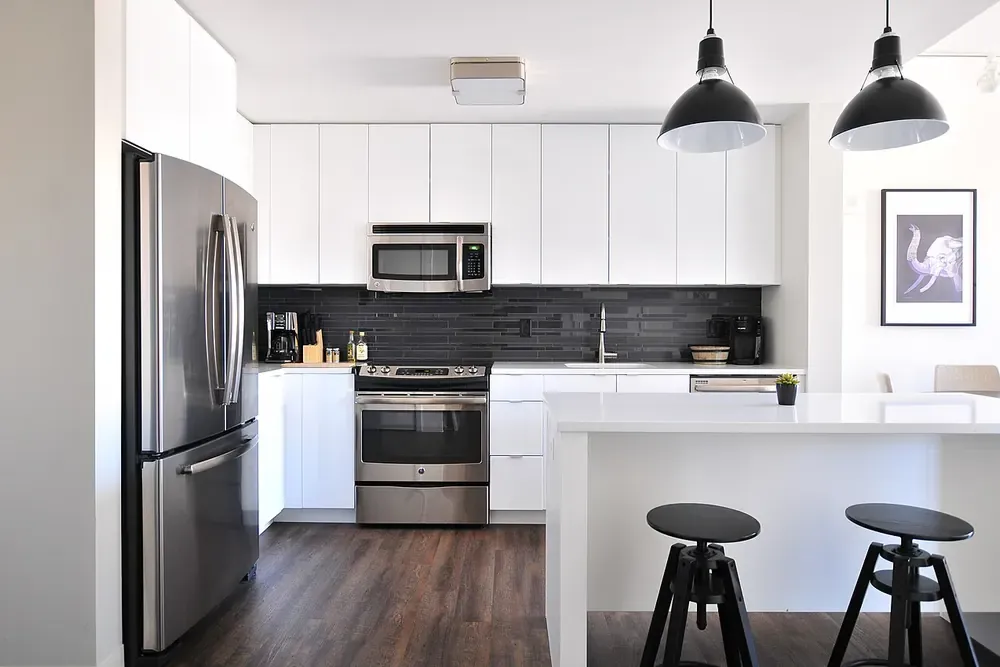 Real photos of every corner, including the kitchen and bathroom, help people decide faster. Photo: Naomi Hébert (CC0).
Shoot in daylight, tidy up and include windows and hallways. Our tips on product photography with your phone work just as well for rooms.
5. Combine them: post in groups, link to your website
The most effective approach is to use both. In groups, post a short ad: two or three of your best photos, rent from, the area, and one line, “Full photos, prices and viewing times: link”. Interested people click through and see everything without asking.
On your website, add a viewing request form: people pick a unit, date and time, move-in date and number of occupants. Requests reach your WhatsApp or become a row in Google Sheets; see the Google Forms guide. You just confirm the time.
6. Keep it accurate: availability, rent, bills
Wrong information wastes everyone’s time: someone visits a unit that is already let, or the rent differs from the ad. With a website you update one place:
- Mark units as rented so nobody asks about them.
- Add the date a unit comes free so people can book ahead.
- Update utility prices when they change; the estimator recalculates the monthly total.
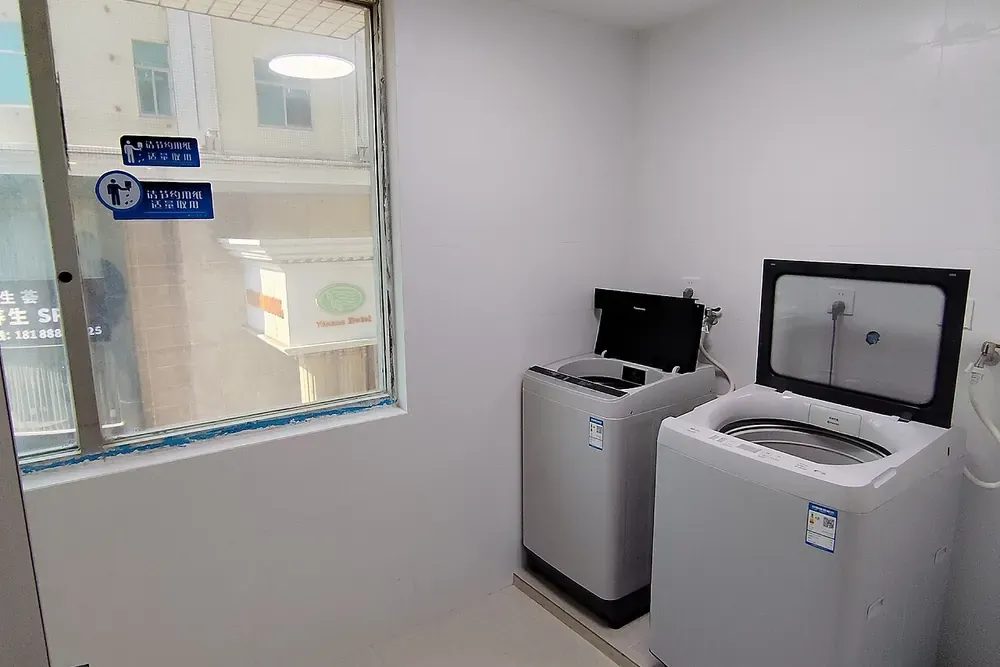 Say clearly whether extras like laundry and parking are free or paid. Photo: Wikimedia Commons (CC0).
Put QR codes linking to your website at the building entrance and on the notice board, and create a Google Maps listing: see how to add your business to Google Maps.
Build your rental website for free
You don’t need to hire a developer. See how to create a free website, or open the serviced apartment template in the free website template library. Change the building name, photos and rent of each unit, utility costs, lease terms and contact details, and go live in about 5 minutes. The available-only filter, monthly cost estimator and viewing form are already built in.
Templates in this article

Frequently asked questions
Should I stop posting in groups once I have a website?
No. Facebook groups and Marketplace are still where many people look. Post a short ad there and link to your site for full photos, prices and viewing times.
Is a website worth it for just a few rooms?
Yes, if it is free. One page with real photos, rent, bills and a viewing button means fewer messages and no reposting every day.
Does the website mark rooms as taken?
You tick Rented in the editor and the page shows it. For units coming free soon, enter the date and the label switches to Available now on that day.
Should I show the real price in my ad?
Yes. Clear rent and fees filter out people who cannot afford it, so the people who book viewings already accept the price.
Related articles
Website or Facebook page: what should a small shop choose?
Website or Facebook page for a small shop? Strengths and weak spots of each, a quick comparison table and how to use both: social to attract, website to sell.

Free Website Builders Compared: Kingpes, Google Sites, Wix
Comparing 3 ways to make a free website for a small shop: Kingpes, Google Sites and Wix's free plan. Ads, your own domain, orders, limits and which to pick.

Car rental business: the website and paperwork you need
Starting a car rental business? Register it, use a rental agreement, insure every car, set deposit and mileage rules, and get a website with daily rates.