
Create a Free Online Store Website, No Coding Needed
How to create a free online store website for a small shop: pick a template, add products and prices, take orders by chat or Google Form, get paid, ship.
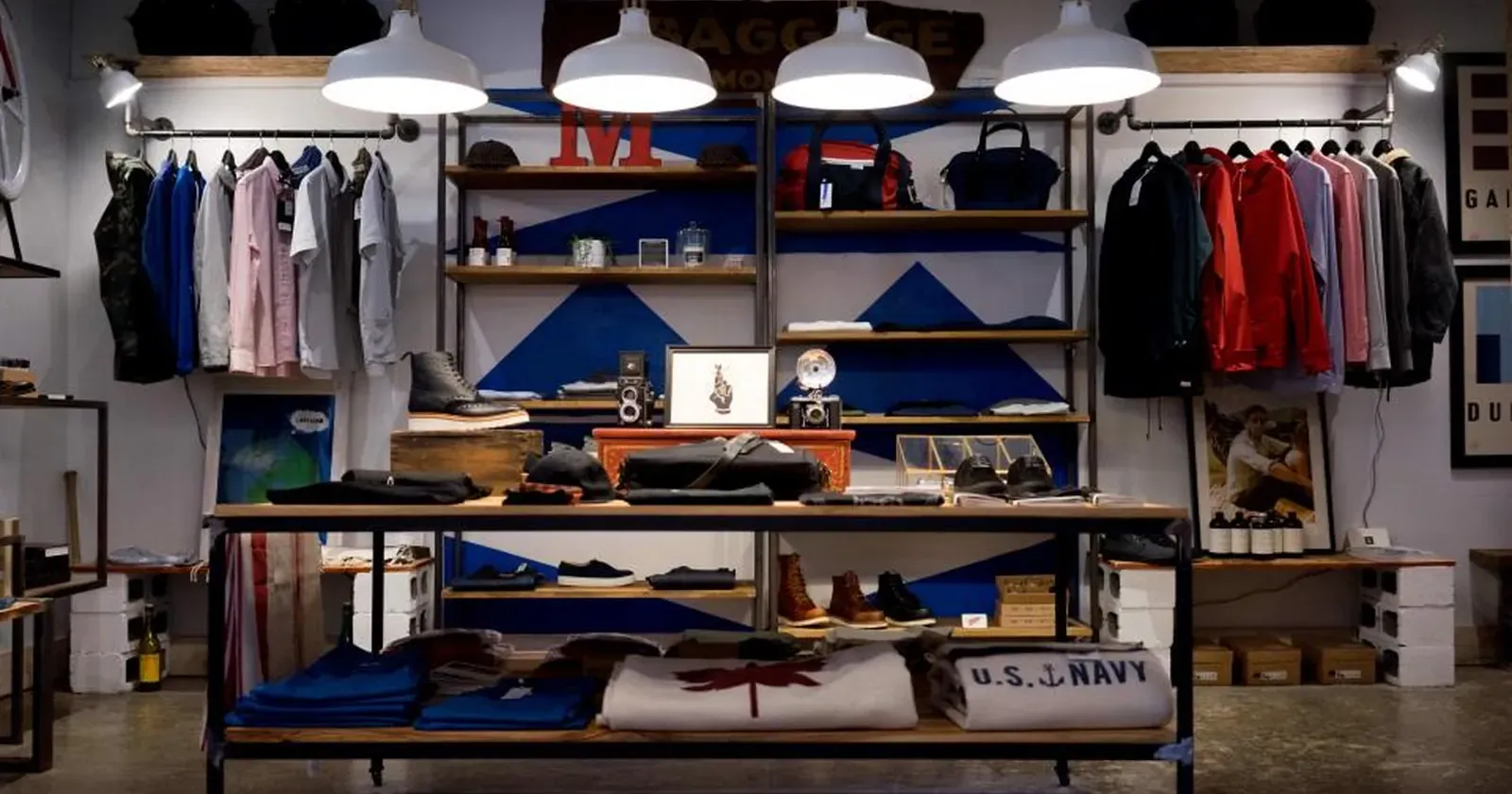
Many shop owners think an online store means hiring a developer or paying a monthly fee. In fact you can create a free online store from a ready-made template: pick a design, add your products and prices, choose how you take orders, and publish, with no coding at all. This guide walks through each step for clothing boutiques, phone shops, florists, bike shops and other small stores.
Quick summary, 8 steps to your online store:
- What a store website needs
- Pick a template for what you sell
- Add products, prices and real photos
- Take orders by chat, phone or Google Form
- Payment and delivery
- Returns policy, opening hours and map
- Publish and share your link
- When you need a cart and online checkout
1. What a store website needs
Visitors want three answers: what you sell, what it costs and how to order. A good website for a small shop only needs:
- A product catalog grouped by category, with search and filters.
- A page for each product with real photos, price, size or color, and stock status.
- A clear order button that goes straight to chat, a phone call or an order form.
- Trust details: address, opening hours, returns policy and reviews.
No long “About us” page or fancy effects needed. Customers want to find the right item and order fast.
2. Pick a template for what you sell
A template made for your trade already has all of the above; you just swap in your content:
 The florist template groups bouquets by occasion and size, so customers choose faster. Photo: rawpixel (CC0).
- Clothing: filter by type, size and price; a second photo appears on hover. See the clothing store website template.
- Phones and tablets: choose storage to see the price, monthly payment and trade-in. See the phone shop website template.
- Florist: filter by occasion and flower type, choose a bouquet size, delivery form.
- Bikes and e-bikes: filter by bike type and price range, book a test ride.
Don’t see your trade? Pick the closest one; category names and buttons can all be changed.
3. Add products, prices and real photos
This is the most important part. Click “Use template”, open the Products tab, and for each item:
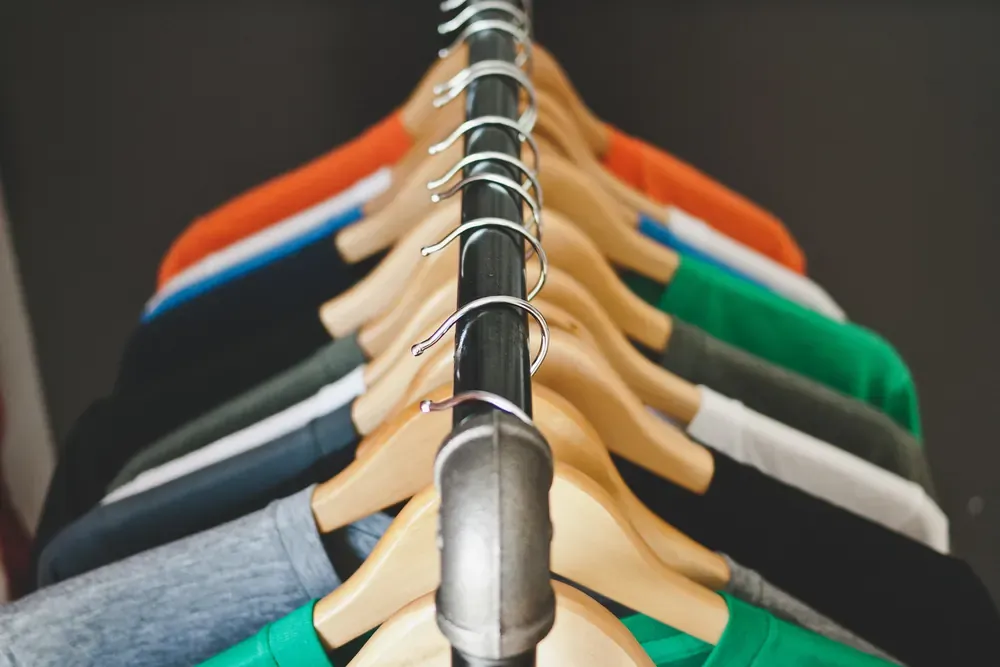 Real photos taken in your shop, well lit and on the same background, make the catalog look tidy and trustworthy. Photo: Image Catalog (CC0).
- A clear name with what makes it different: “Two-layer rain jacket, olive”.
- A real price, with the old price if it’s on sale. Avoid “DM for price”: many shoppers just leave.
- Real photos taken with your phone near a window, on one background. Photos copied from other sites invite complaints and make shoppers suspicious.
- Size, color, version and stock status.
Lots of products? Use “Bulk edit with a spreadsheet”: download the table, edit names and prices in Google Sheets or Excel, and import it back in one go.
4. Take orders by chat, phone or Google Form
A free website doesn’t need a server, so orders come straight to you in the way you already work:
- WhatsApp, Messenger, Instagram: the customer taps a button and the order (item, size, price) is already typed out.
- Phone call: for customers who prefer to talk or need advice.
- Google Form: customers enter name, phone and address on your website; each order lands as a row in your own Google Sheet. See Google’s help on where form responses are saved.
Choose the one or two channels you answer fastest. Many channels with slow replies lose more sales than fewer channels.
5. Payment and delivery
The website lets customers browse and order; payment and delivery work the same as when you sell by message:
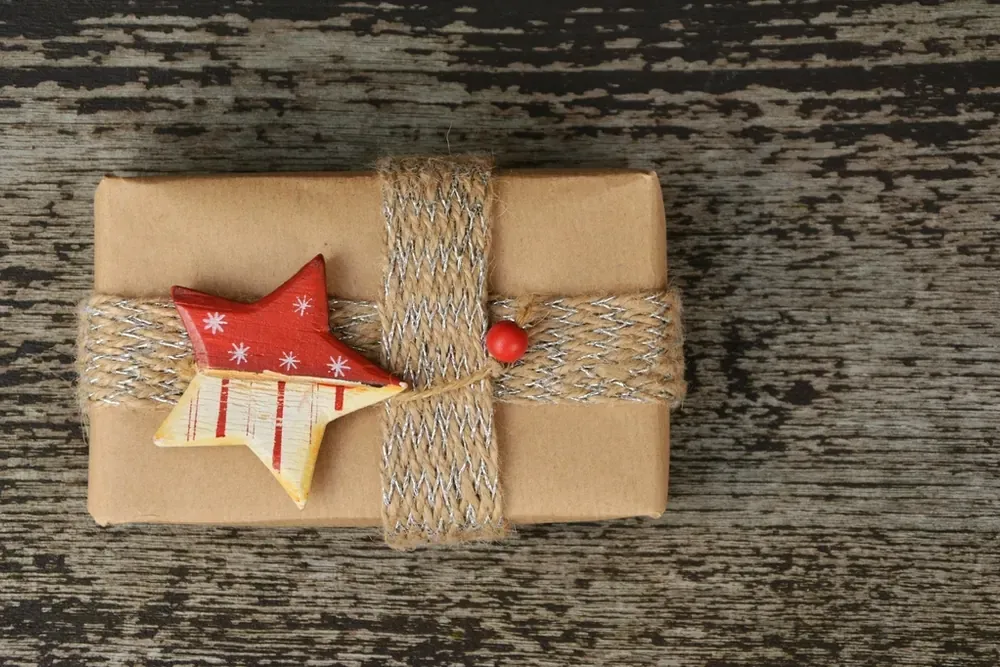 A neat parcel with a small thank-you card helps customers remember you and come back. Photo: rawpixel (CC0).
- Bank transfer or payment app: send your details or payment link when you confirm the order.
- Pay on pickup or on delivery: state where this is available.
- Shipping fees: list them on the website, for example local, regional and free above a certain amount.
- Delivery times for each area.
Putting this on the website saves you answering the same questions again and again.
6. Returns policy, opening hours and map
First-time online buyers worry “what if it doesn’t fit?”. A short policy page helps them click order:
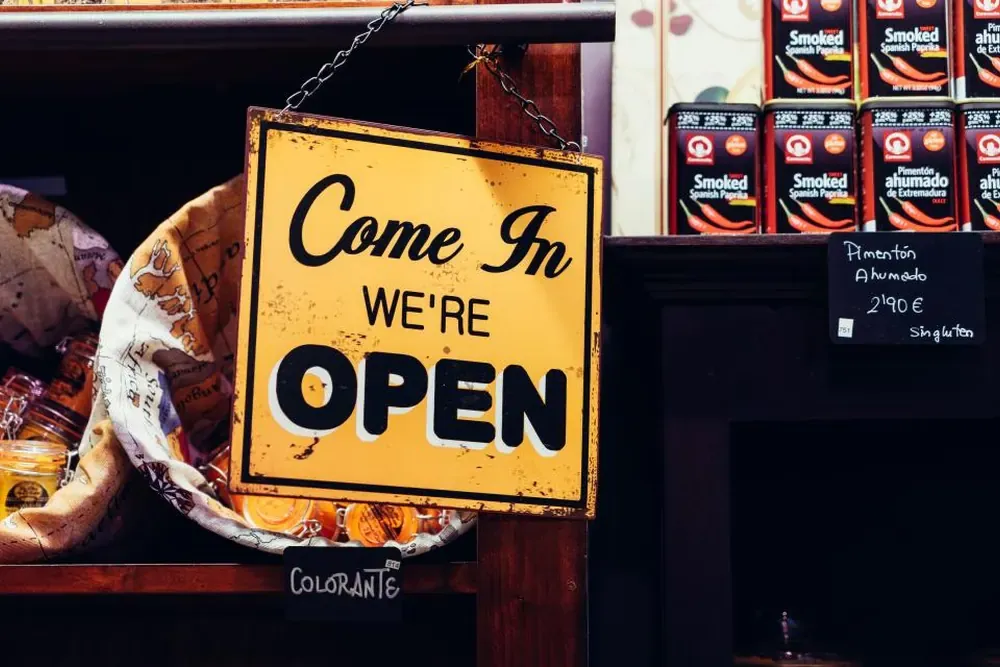 Correct opening hours on your website and Google Maps mean customers don’t arrive to a closed door. Photo: Álvaro Serrano (CC0).
- Returns: within how many days, conditions (tags on, unused) and who pays return shipping. Kingpes templates include a ready-made policy page; you just change the number of days.
- Opening hours and days off; the page shows “open now” or “closed” automatically.
- A map from your address with a directions button. Also put your shop on Google Maps: see how to add your business to Google Maps.
7. Publish and share your link
When you’re done, click “Publish website”. Your site runs free 24/7 with HTTPS and looks great on phones. Then put the link everywhere customers meet you:
- Pin it on your Facebook page and in your Instagram and TikTok bios.
- Send the link when someone asks for prices, instead of sending photos one by one.
- Print a QR code for the counter, shopping bags and business cards.
- Add the link to your Google Maps profile.
Want an easy address like yourshop.com? Buy a domain and connect it later, without rebuilding the site.
8. When you need a cart and online checkout
For a small shop, ordering by chat or Google Form is usually enough, because you still talk to each customer. You may need a cart and payment gateway when:
- You get so many orders that you can’t keep up with messages.
- Customers often buy several items at once and want the total calculated.
- You sell to people far away and want them to pay when they order.
At that point, see the Kingpes Pro package (full source code, cart, online payment, your own server), or start with the free version and upgrade later.
Just getting started? Read how to create a free website for your shop in 5 minutes, or pick a template from the free website template library.
Templates in this article


Frequently asked questions
Is there a limit on how many products a free store can have?
Kingpes store templates are built for a few dozen to a few hundred products; the clothing store template ships with almost 190 sample items. Most small shops only need a few dozen.
Does the free website have a cart and online checkout?
No. Customers pick items and send the order by chat, phone or Google Form, then pay by bank transfer, payment app or on pickup. If you need a cart and payment gateway, see the Pro package.
Where do Google Form orders go?
Straight into a Google Sheet that belongs to you, one row per order with name, phone, items and notes, and you can read it on your phone.
Do I need to buy a domain name?
Not at first. Your site works right away on a free address with HTTPS. When you want an easy address like yourshop.com, buy a domain and connect it later.
Related articles
Wedding dress rental website: collection and fittings
A wedding dress rental website lets brides browse by code, see rental prices and deposits, and book a fitting themselves. 7 things it needs, built free.

Karaoke bar website: take room bookings online, clear prices
A karaoke bar website shows your rooms and hourly prices by time band, and lets groups book with a live estimate. 7 things it needs, built free.

Vet clinic website: 7 sections that win pet owners' trust
A vet clinic website needs an emergency number, prices by dog, cat and weight, a vaccine schedule from birth date and online booking. Build it free.