
Meeting room rental by the hour: take bookings online
Meeting room rental by the hour: list capacity, set time-band prices, take bookings with live totals, weekly bookings, tea breaks and invoices.
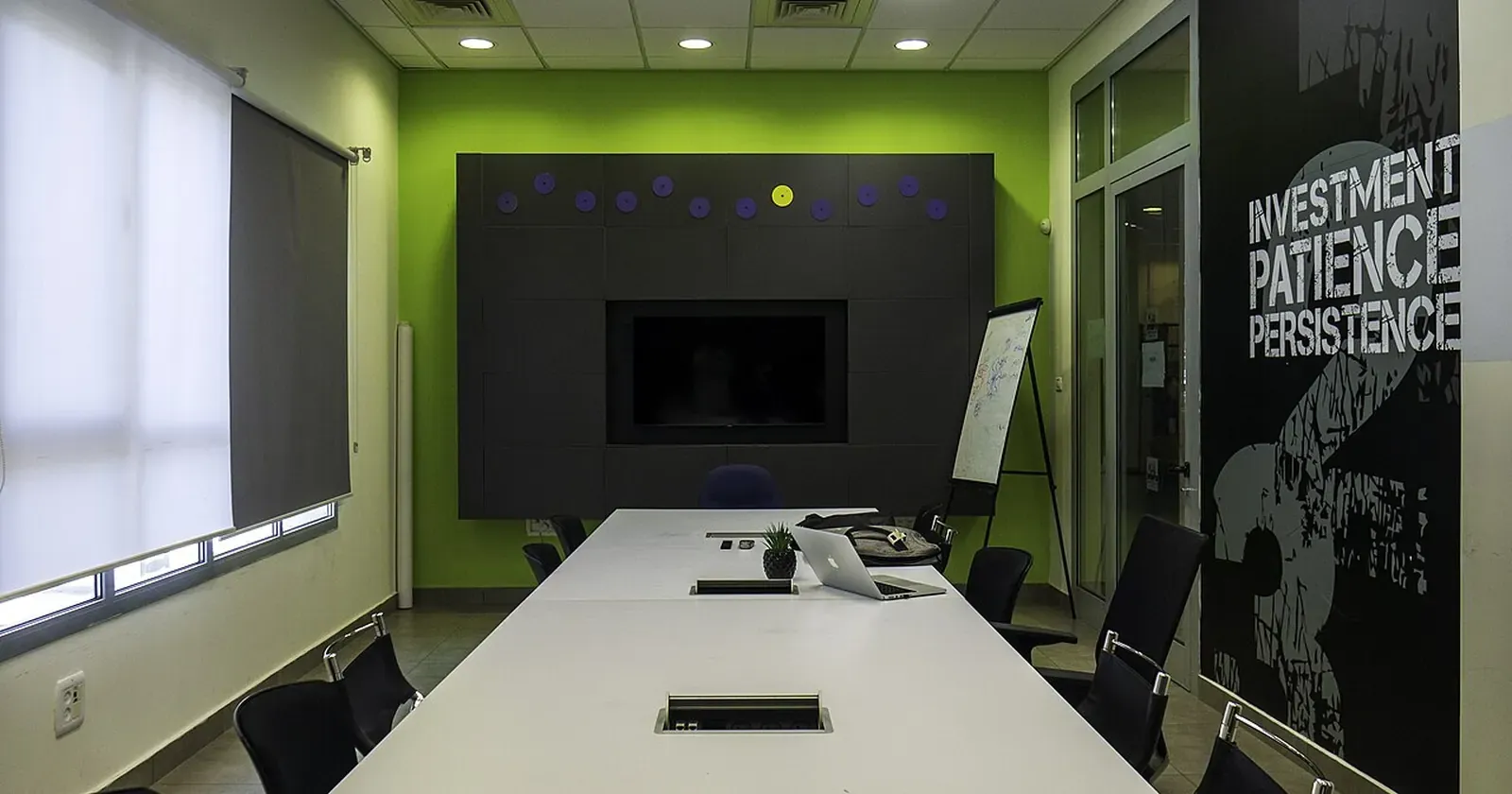
Many offices, coworking spaces and training centres have rooms that sit empty much of the week. Meeting room rental by the hour turns that space into income, but if bookings only come by phone, reception answers the same questions again and again: how many people, is there a projector, how much per hour. Here are 7 steps so clients can see everything and book online themselves.
Quick summary: hourly meeting room rental needs 7 things:
- Describe each room: capacity, equipment, real photos
- Prices by the hour and by time band
- A booking form with live totals
- Weekly recurring bookings
- Add-ons: tea breaks, video-call kits
- Clear invoices, payment and cancellation terms
- Sell day passes and monthly desks too
1. Describe each room: capacity, equipment, real photos
Clients usually know their headcount and purpose: a team of 4, an interview, a class of 20, a product launch. For each room, list:
- Capacity and seating style: boardroom, classroom, U-shape.
- Equipment: TV or projector, speakers, whiteboard, video-call camera.
- Size and number of rooms of that type.
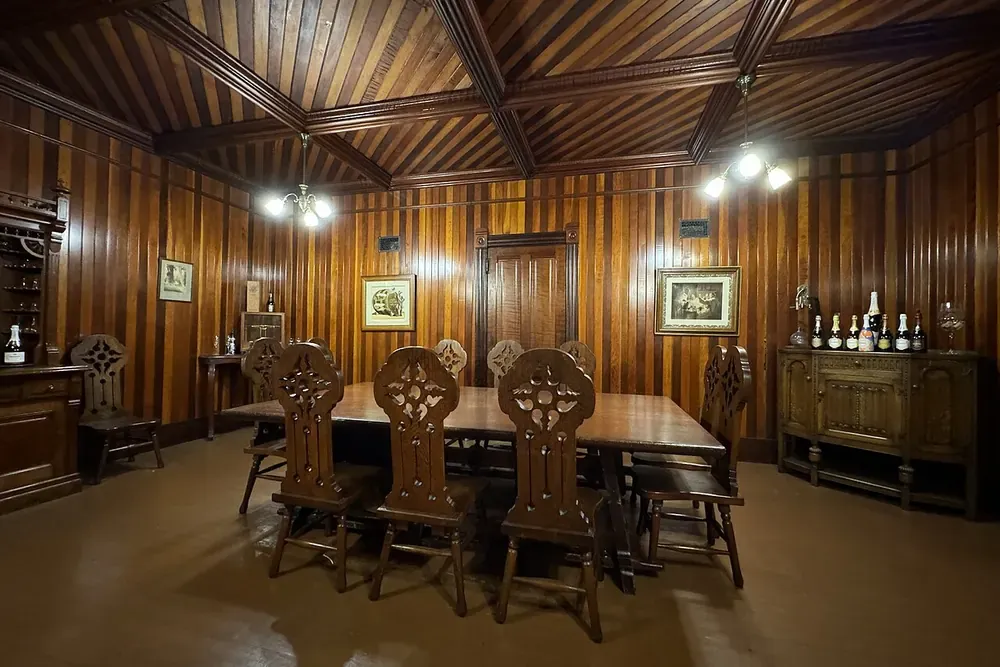 Real photos of each room show clients whether it fits their meeting. Photo: Missvain (CC0).
Shoot when the room is tidy and bright, with the screen and seating clearly visible. Tips in product photography with your phone apply here too.
2. Prices by the hour and by time band
Many venues charge differently by time: office hours, evenings, weekends. Make a price table: one row per time band, one column per room, price per hour.
Also say what the price includes (water, whiteboard, Wi-Fi), the minimum booking, and whether coworking members can use hours from their plan. Clients compare quickly and pick the right room first time.
3. A booking form with live totals
Instead of back-and-forth messages, put a booking form on the page. Clients choose a room, date, start time and hours; the estimate appears instantly, even when a meeting runs from office hours into the evening.
Sending it delivers the request to reception’s WhatsApp or a row in Google Sheets. See Google Forms help to set one up. To track every room’s calendar in a spreadsheet, read about managing court bookings in Google Sheets; it works the same way for meeting rooms.
4. Weekly recurring bookings
Weekend classes, Monday stand-ups and book clubs come back every week. Add a “Book weekly” option with a number of weeks: the estimate multiplies by the sessions, so clients see the whole course total at once.
This is steady income. Consider a small discount for bookings of 4 weeks or more to keep them coming.
5. Add-ons: tea breaks, video-call kits
A training day or workshop usually needs a few extras. Offer add-ons clients can tick:
 Tea breaks, flipcharts or a video-call kit are the easiest upsells. Photo: Chris Adamus (CC0).
- Tea break for 10: pastries, tea, coffee.
- Flipchart and markers.
- Video-call kit: camera and conference mic.
Each add-on has a price; ticking it adds to the estimate.
6. Clear invoices, payment and cancellation terms
Business clients often need an invoice. Say whether you issue one, and add a “Need an invoice” box to the form so reception can prepare it. Company details can follow by message or email.
Also state:
- Payment: transfer in advance or pay on arrival.
- Cancellation: how much notice avoids a fee.
- Overtime: charged per 30 minutes or per hour.
7. Sell day passes and monthly desks too
If you have shared workspace, today’s meeting-room client may be next month’s member. Add desk plans: day pass, hot desk, fixed desk, private office, each with a price and perks, plus a “Book a visit” button.
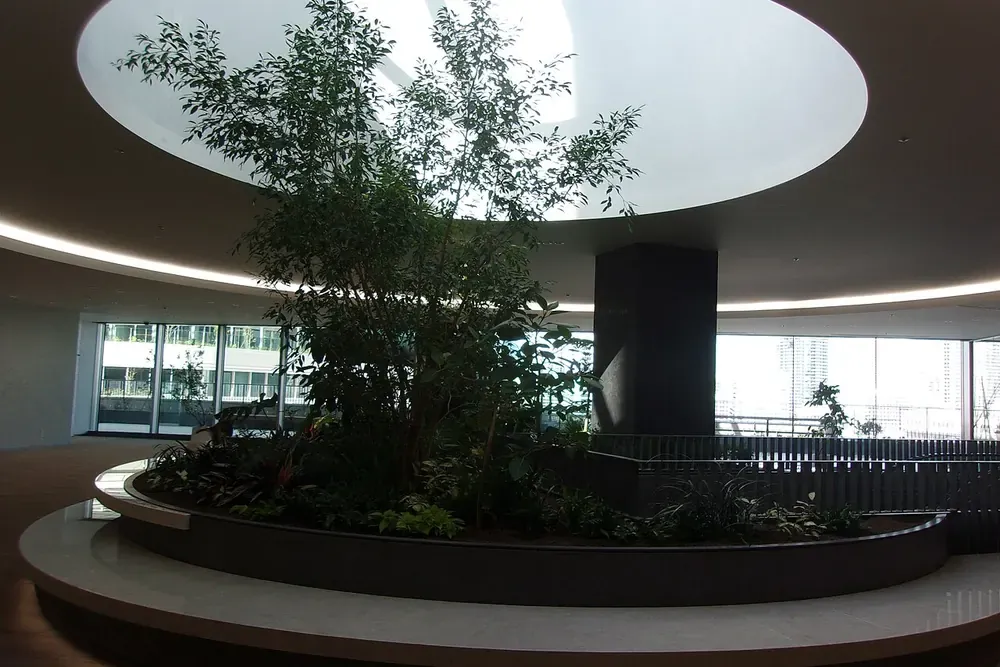 Shared space with plants and daylight is why many people choose coworking. Photo: Wikimedia Commons (CC0).
Don’t forget a Google Maps listing (see how to add your business to Google Maps): many people search “meeting room rental” or “coworking near me” on the map.
Build your meeting room rental website for free
You don’t need to hire a developer. See how to create a free website, or open the coworking and meeting room template in the free website template library. Change the name, photos, capacity and price of each room, desk plans, add-ons and contact details, and go live in about 5 minutes. The time-band price table, booking form with live totals, weekly bookings and invoice box are built in.
Templates in this article

Frequently asked questions
Should I charge by the hour or by the session?
By the hour is easiest to compare. You can add cheaper half-day and full-day rates for longer bookings. State the minimum booking.
Can online bookings clash?
A simple website does not lock your calendar. Each request reaches WhatsApp or Google Sheets; reception checks and confirms. Say how quickly you confirm.
Should prices be public?
Yes. Companies and training centres compare several venues before booking. Clear prices help them decide quickly with fewer questions.
I only have one meeting room. Is a website worth it?
Yes, if it's free. A page with photos, capacity, prices and a booking form helps people find you on Google and book outside office hours.
Related articles

Car rental business: the website and paperwork you need
Starting a car rental business? Register it, use a rental agreement, insure every car, set deposit and mileage rules, and get a website with daily rates.

How to start a cooking class business with steady bookings
Start a cooking class business from home or your own kitchen: class types, price per person, a weekly timetable, online booking and group deals.

Why Does a Small Business Need a Website? 7 Reasons
Already on Instagram and WhatsApp? 7 reasons a small business still needs a website, plus the cases where you don't need one yet, so you can decide.