
Real estate agency website: 7 sections that win viewings
A real estate agency website needs real photos, prices and price per m², a home search, a mortgage calculator, paperwork per home and viewing bookings.
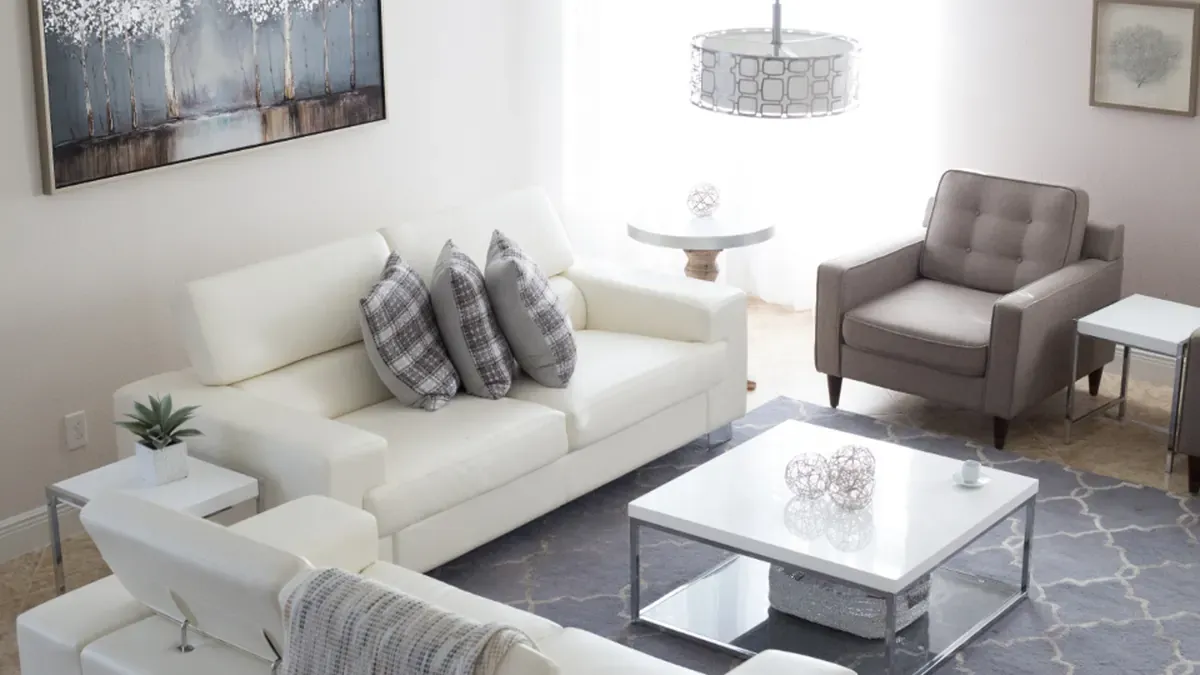
Home buyers usually look at dozens of listings before they call an agent. A clean real estate agency website with real photos, clear prices and the paperwork stated for every home earns trust on the first visit, then lets people filter the right homes and book a viewing without messaging you question by question. Here are the 7 sections it should have and how to build it for free.
Quick summary: a real estate agency website needs 7 sections:
- Real photos and full details for every home
- Clear prices, with price per m²
- A home search by area, price and bedrooms
- A mortgage calculator for buyers
- Paperwork stated for every home
- Agents by area, reachable directly
- Listing requests and online viewing bookings
1. Real photos and full details for every home
Visitors scroll fast. Bright, real photos of the actual home are what make them stop. Each home should have 5 to 10 photos: the front or lobby, living room, kitchen, bedrooms, bathroom and the view from the window.
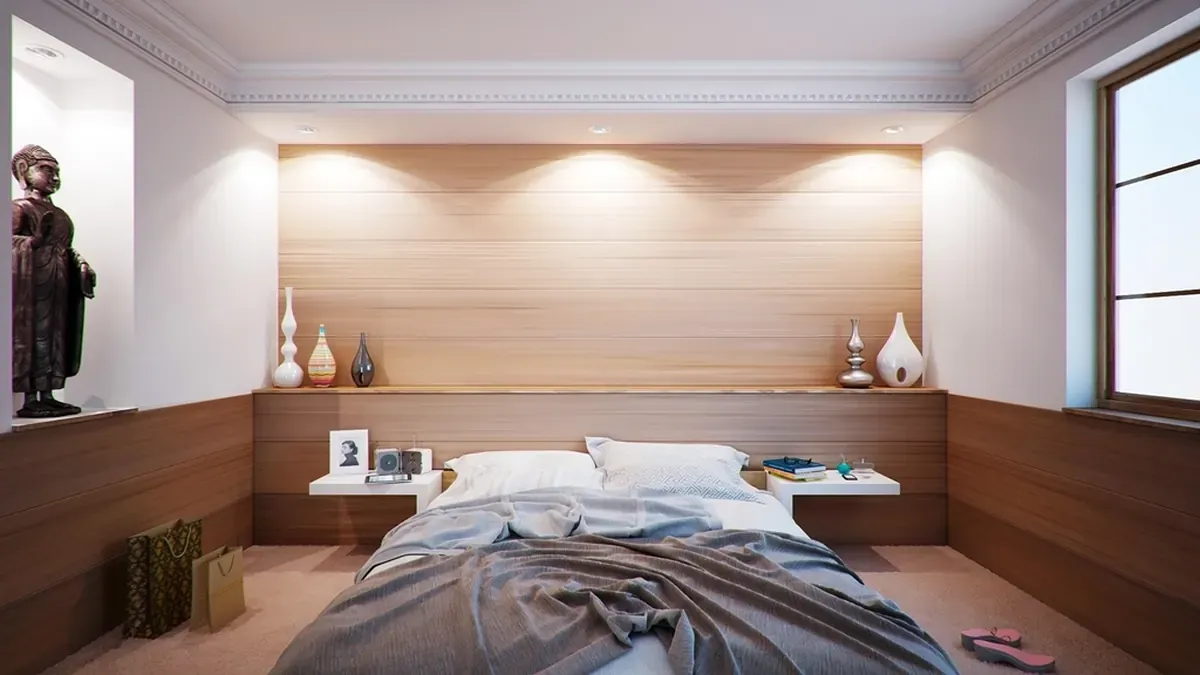 Bright, real photos of every room help visitors decide whether to book a viewing. Photo: Rawpixel (CC0).
Under the photos, list details in a fixed order: size, bedrooms, bathrooms, facing, floor, furniture. When every home is laid out the same way, buyers compare more easily and stop asking questions the page already answers.
2. Clear prices, with price per m²
Listings without a price mostly get “how much?” messages. Show the owner’s asking price when listed, written short such as $228K or $730/mo so it reads well on a phone. If the price is negotiable, say so.
For homes for sale, add the price per m² next to the price. Buyers often compare homes in the same area by that number. For rentals, say whether the price includes management fees or internet and how long the minimum lease is.
3. A home search by area, price and bedrooms
Once you have dozens of homes, visitors need to filter fast. Put a home search at the top: buy or rent, property type, area, max price and bedrooms, then search to see only the homes that fit.
 A home search lets visitors find homes in their budget instead of asking about each listing. Photo: Rawpixel (CC0).
Add sorting by price and a count such as “12 homes match”. If nothing matches, don’t leave the page empty: invite visitors to leave a request so an agent can search for them. These are often the most serious buyers.
4. A mortgage calculator for buyers
Most first-time buyers plan to borrow from a bank. A mortgage calculator lets them enter the price, loan share, term and rate to see the monthly payment.
 Knowing the monthly payment in advance gives buyers the confidence to book a viewing. Photo: Martin Vorel (CC0).
Show both common methods: an equal monthly payment and the first month on a declining balance. Right underneath, write “The rate is an example; the bank gives the real figures after reviewing your application”. On every home for sale, add an “Estimate mortgage” button that fills in that home’s price.
5. Paperwork stated for every home
The second question after the price is always about the title. State it on every home: private title deed, sale contract with the title in progress, residential land and so on. That short line helps buyers rule out homes early, and saves you viewings that stop because of paperwork.
If your office checks zoning or existing mortgages before taking a listing, say so in your services. It is one of the main reasons people work with an agency instead of buying or selling on their own.
6. Agents by area, reachable directly
Buyers want to know who will show them around. Each agent should have a name, the areas they cover, years of experience, a phone number and a chat button. A buyer in one neighbourhood calls that neighbourhood’s agent directly, without being passed around.
 Showing which agent covers each area helps visitors reach the right person first time. Photo: Rawpixel (CC0).
If your agents hold a licence, show it. Add reviews from people who bought or rented through you, so newcomers can see you close real deals.
7. Listing requests and online viewing bookings
Your website should serve both buyers and owners. Use one form with two modes: viewing, where visitors pick a home and a time, and list your home, where owners send the address, size and asking price. Requests reach your WhatsApp or become a row in Google Sheets; see the Google Forms help guide to build the form.
To help more people find your office, follow the guide to add your business to Google Maps and put QR codes linking to your website on the For Sale and For Rent signs at each home.
Build your real estate agency website for free
You don’t need to hire a developer. See how to create a free website, or open the real estate agency template in the free website template library: change the agency name, areas, every home with its photos, price and paperwork, your agents and contact details, and go live in about 5 minutes. The home search, price per m², mortgage calculator, sell-with-us section and viewing form are already built in.
Templates in this article

Frequently asked questions
Does an independent agent need their own real estate website?
It helps if it's free. One page holds the photos, price and paperwork of every home, so you send a single link instead of reposting listings in many groups.
Should I show prices on the website?
Yes. Show the owner's asking price when listed and add "negotiable" if true. Listings without a price mostly get "how much?" messages instead of viewing requests.
Is the mortgage calculator accurate?
It is only an estimate. The rate, loan amount and method are set by the bank after reviewing the application, so say so right under the calculator.
Should I delete homes once they are sold?
Not straight away. Mark them Sold or Rented and move them to the end of the list; visitors see you close real deals and ask for similar homes.
Related articles

Wedding dress rental website: collection and fittings
A wedding dress rental website lets brides browse by code, see rental prices and deposits, and book a fitting themselves. 7 things it needs, built free.

Karaoke bar website: take room bookings online, clear prices
A karaoke bar website shows your rooms and hourly prices by time band, and lets groups book with a live estimate. 7 things it needs, built free.

Vet clinic website: 7 sections that win pet owners' trust
A vet clinic website needs an emergency number, prices by dog, cat and weight, a vaccine schedule from birth date and online booking. Build it free.