
Hotel website: take direct bookings, pay less commission
A hotel website lets guests book direct, see overnight and day-use rates with live totals, and cuts OTA commission. The 6 parts you need, built for free.
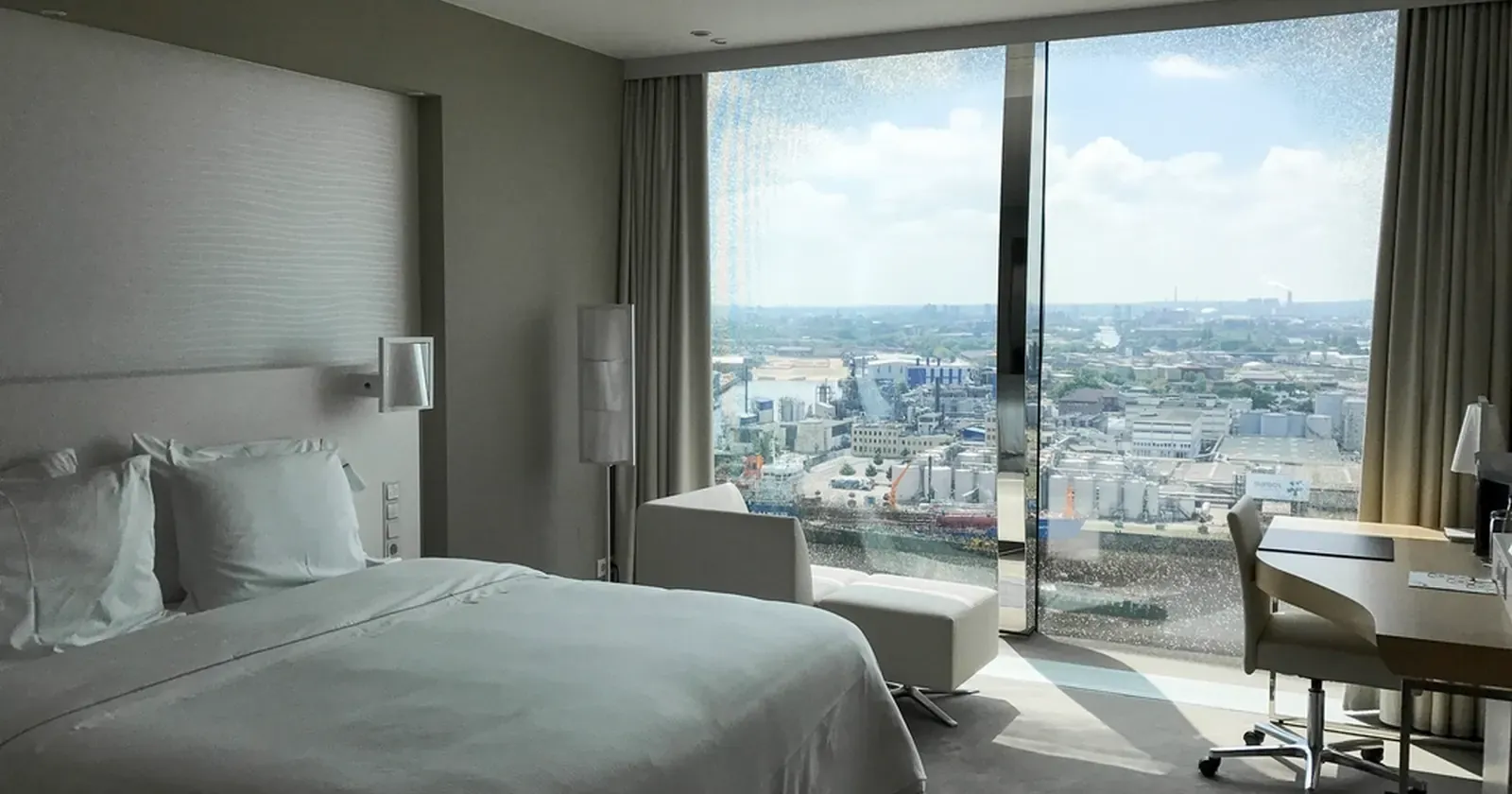
Every small hotel owner knows the feeling: the rooms are full, but at the end of the month a real chunk of revenue has gone to booking sites, often around 15–20% per booking depending on the contract. Meanwhile many guests are regulars, returning business travellers or people already standing at your door. A hotel website lets them book straight with you: see the rooms and prices, pick dates and send a request, no middleman. This guide covers what the website of a small hotel, guesthouse or serviced apartment should include.
In short, a hotel website needs 6 parts:
- Book-direct perks at the very top
- Each room type with real photos and clear prices
- A booking form that prices the stay, including day use
- Holiday and peak-season surcharges shown up front
- Check-in, check-out times and policies
- Company invoices, directions and a map
1. Book-direct perks at the very top
Guests are used to booking through apps. To make them book direct, give them a reason. Right under the main photo, list 3–4 book-direct perks:
- A better rate or something extra: breakfast, early check-in if free, late check-out.
- No credit card needed: pay at check-in or by bank transfer.
- Company invoices for business travellers.
- Quick answers on WhatsApp from real reception staff.
 The reasons to book direct belong at the top, so guests see them without scrolling. Photo: rawpixel (CC0).
Note: some booking-site contracts require the same room rate on every channel. In that case keep the rate equal and add perks instead.
2. Each room type with real photos and clear prices
Guests compare rooms carefully. Each room type should show:
- Real photos taken in daylight, showing the bed and the window.
- Guests, bed type, size and view (city view, balcony).
- Weeknight rate (Sunday to Thursday), weekend rate (Friday and Saturday nights) and a day-use rate if you offer it.
- A book this room button that takes guests to the form with the room already selected.
Keep descriptions short and about what guests care about: “big windows over the street, great for couples staying 2–3 nights” says more than a long list of amenities.
3. A booking form that prices the stay, including day use
This replaces reception answering “how much for a double room, 3 nights?”. The form should let guests:
- Choose the room type and overnight or day use.
- Overnight: pick check-in and check-out dates; the page counts the nights and prices each one, weeknights at the weekday rate, Friday nights at the weekend rate.
- Day use: pick the date, arrival time and hours; the price is the first 2 hours plus each extra hour.
- Choose guests and number of rooms and see the estimated total right away.
 When guests see the total immediately, they send the request instead of messaging and then comparing elsewhere. Photo: Manjil Aryal (CC0).
Requests reach reception on WhatsApp or as a row in Google Sheets. Setting up a form is explained in Google Forms help. A simple website doesn’t remove rooms from availability, so say clearly “reception confirms within 15 minutes”.
4. Holiday and peak-season surcharges shown up front
Around Christmas and New Year, school holidays or local festivals, room rates usually go up. If you don’t say so, guests who see one price online and then get quoted another lose trust. Instead:
- List the date range and the surcharge, for example +30% over New Year, +20% on a long weekend.
- Let the booking form add the surcharge automatically to any night in that range and show it as a separate line.
- State deposit and cancellation rules for peak dates, such as a 30% deposit and cancellation 7 days ahead.
Guests who see the real number before sending ask fewer questions and cancel less at the last minute. If your guests celebrate Lunar New Year, see getting your shop ready for Lunar New Year too.
5. Check-in, check-out times and policies
A small block that prevents a lot of arguments:
- Check-in and check-out times, big and clear.
- How late check-out is charged and whether early check-in costs extra.
- Up to what age children stay free, whether pets are allowed, the smoking policy.
- How far ahead cancellation is free.
 Written policies let reception answer quickly and consistently. Photo: rawpixel (CC0).
Next to it, add around the hotel: how many minutes to the market, beach, station and airport. Travellers ask this constantly.
6. Company invoices, directions and a map
Business travellers are the most reliable repeat guests. Add a “I need a company invoice” box to the form so they enter the company name and tax ID when booking, and reception doesn’t have to ask again.
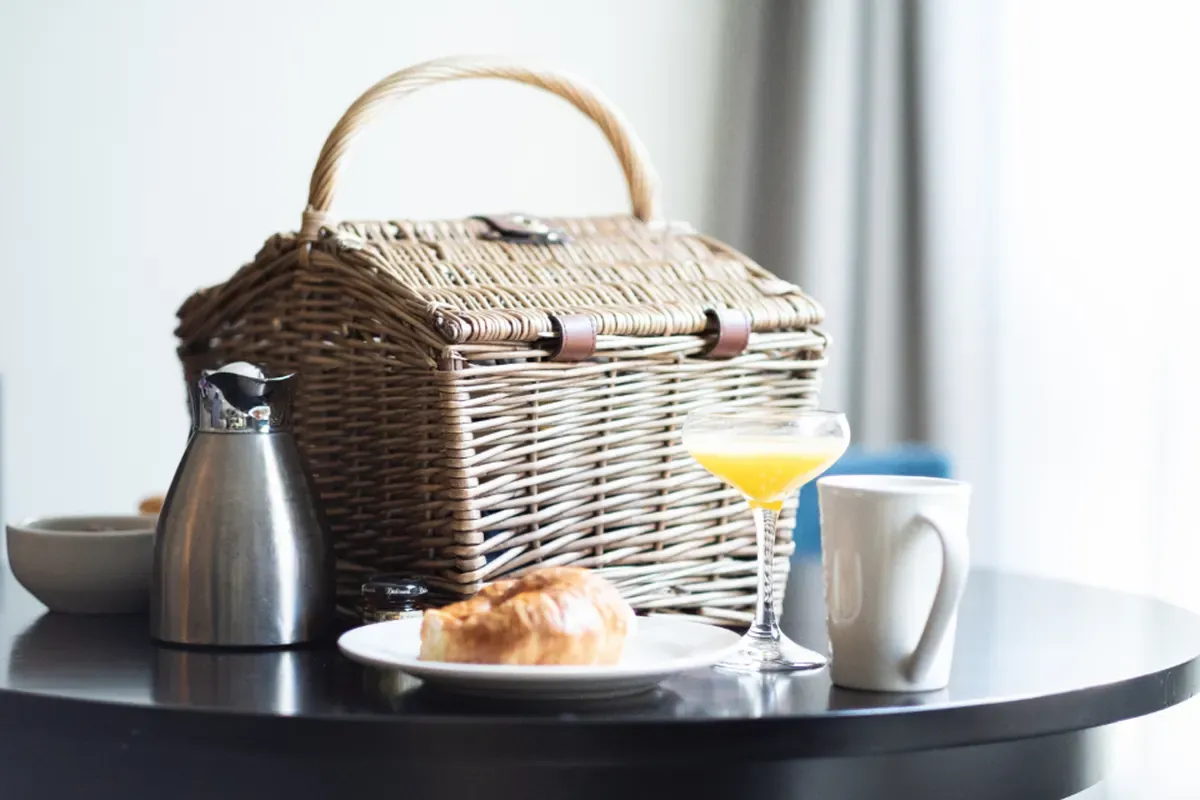 Breakfast, amenities and real reviews: what convinces guests to book direct. Photo: Matt Bango (CC0).
At the bottom, list the address, a map, a Directions button and your phone number. Set up a Google Maps listing so guests searching “hotel near me” find you; see how to add your business to Google Maps. Put QR codes for shops linking to your booking page at reception and in the rooms, and guests will book direct next time.
Build your hotel website for free
You don’t need to hire a web developer. See how to create a free website, or open the boutique hotel template in the free website template library: change the hotel name, room photos and rates, check-in times, peak dates and phone number, and go live in about 5 minutes. The self-pricing booking form, day use, holiday surcharges and company-invoice box are already built in. If you run a smaller place, see also what a vacation rental website needs.
Templates in this article

Frequently asked questions
Once I have a website, should I leave Booking.com and Expedia?
No. Booking sites help strangers find you. Your website is for guests who already know you, repeat guests and business travellers, so they book direct with no commission. Run both channels side by side.
Can my website rates be lower than on booking sites?
It depends on each contract; some require rate parity. The safe approach is to keep the same room rate but add a direct-booking perk such as breakfast, early check-in or late check-out.
Does the website remove the room from availability like an OTA?
A simple website doesn't lock rooms. Each request reaches your WhatsApp or Google Sheets, reception checks the room plan and confirms. Say "we confirm within 15 minutes" so guests feel sure.
How should I price day-use stays?
A common approach is a set price for the first 2 hours plus a fixed rate per extra hour, within a day-use window such as 8 am–10 pm. Past 5–6 hours, suggest an overnight stay.
Related articles

Wedding dress rental website: collection and fittings
A wedding dress rental website lets brides browse by code, see rental prices and deposits, and book a fitting themselves. 7 things it needs, built free.

Karaoke bar website: take room bookings online, clear prices
A karaoke bar website shows your rooms and hourly prices by time band, and lets groups book with a live estimate. 7 things it needs, built free.

Vet clinic website: 7 sections that win pet owners' trust
A vet clinic website needs an emergency number, prices by dog, cat and weight, a vaccine schedule from birth date and online booking. Build it free.